Tips for Photography with your Dog
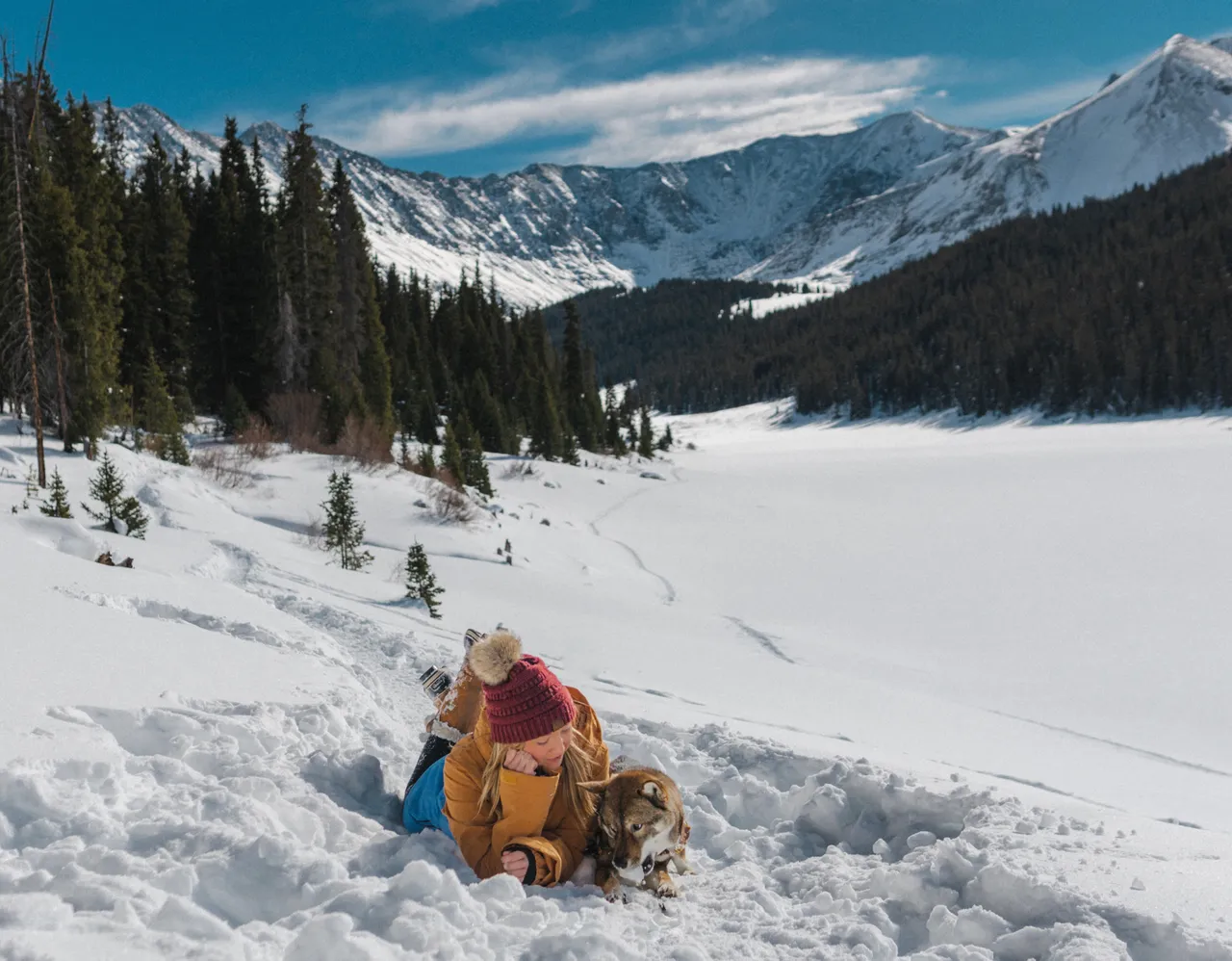
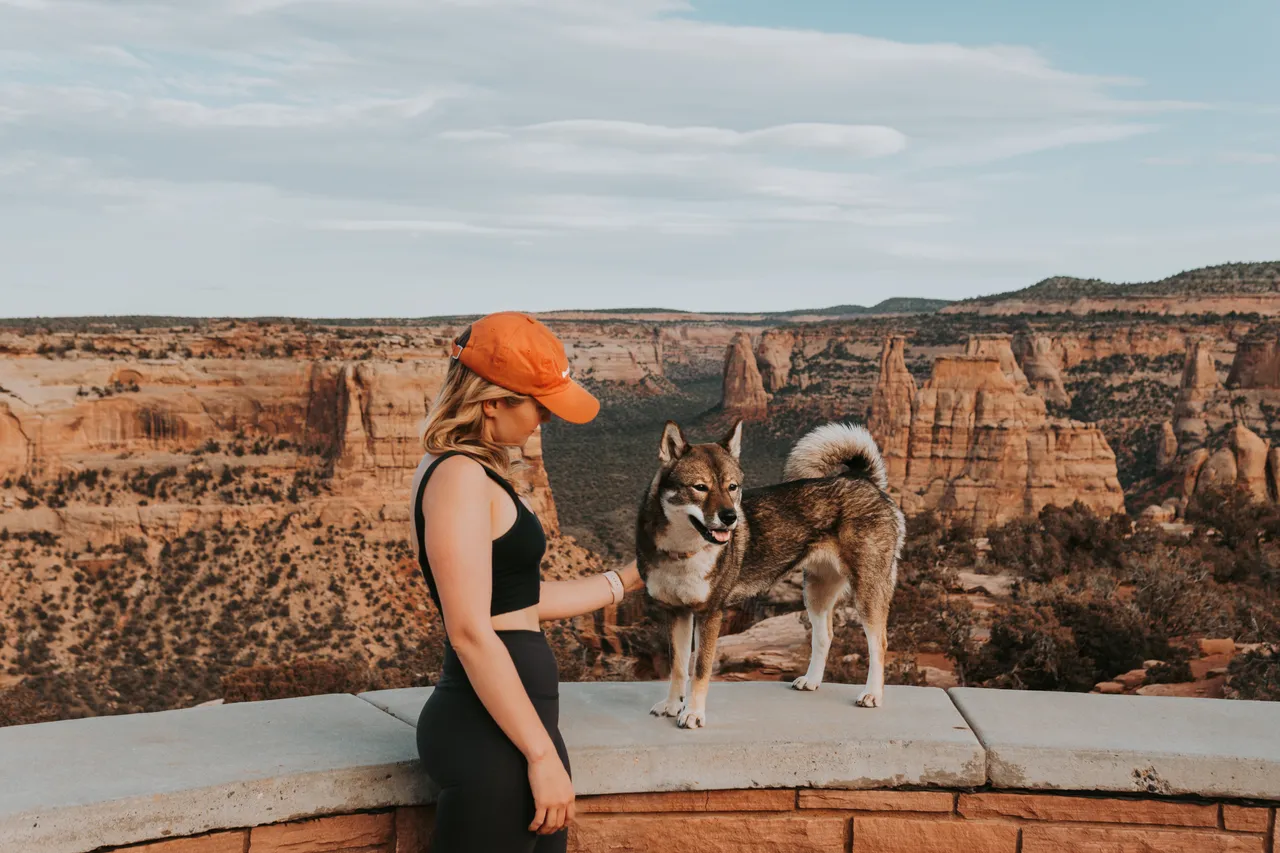
One of the reasons I wanted a dog was to get outside more and have a subject to photograph! I got into photography after bringing home my dog Sora when she was 12 weeks old. Throughout the years i've traveled all over the country with her, documenting our travels together. I took a photography introduction course and Lightroom course during Covid since there was nothing else to do and it created a solid foundation for me.
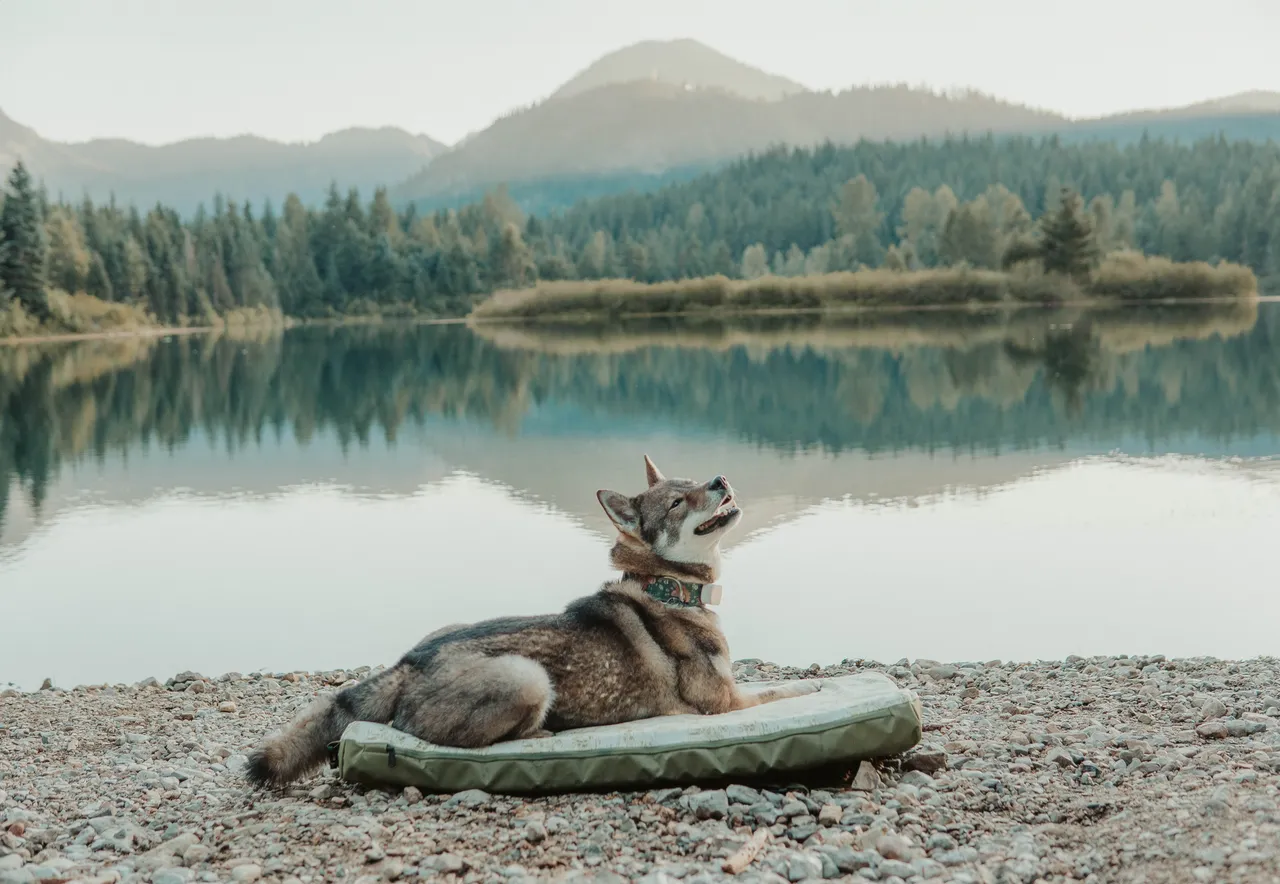
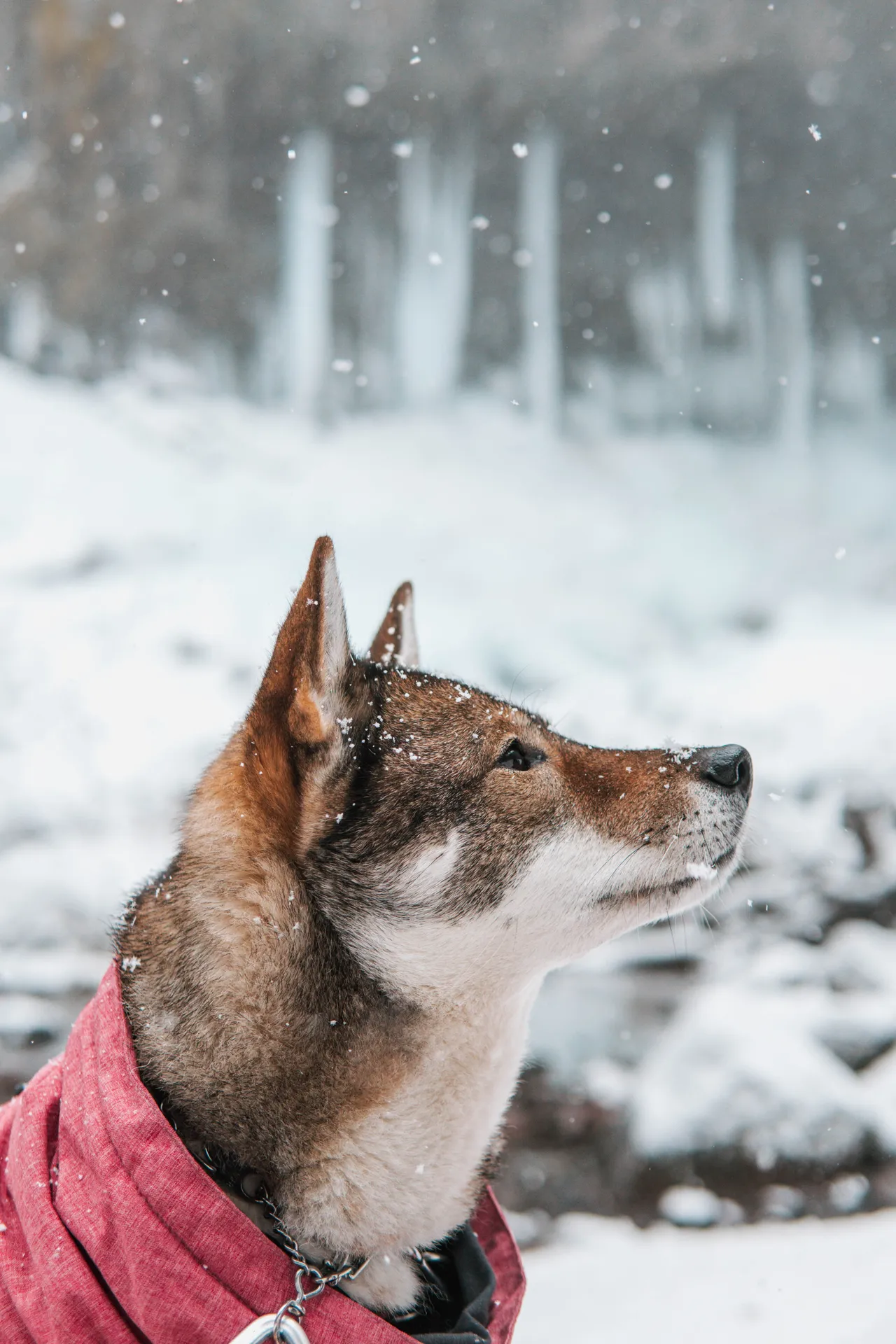
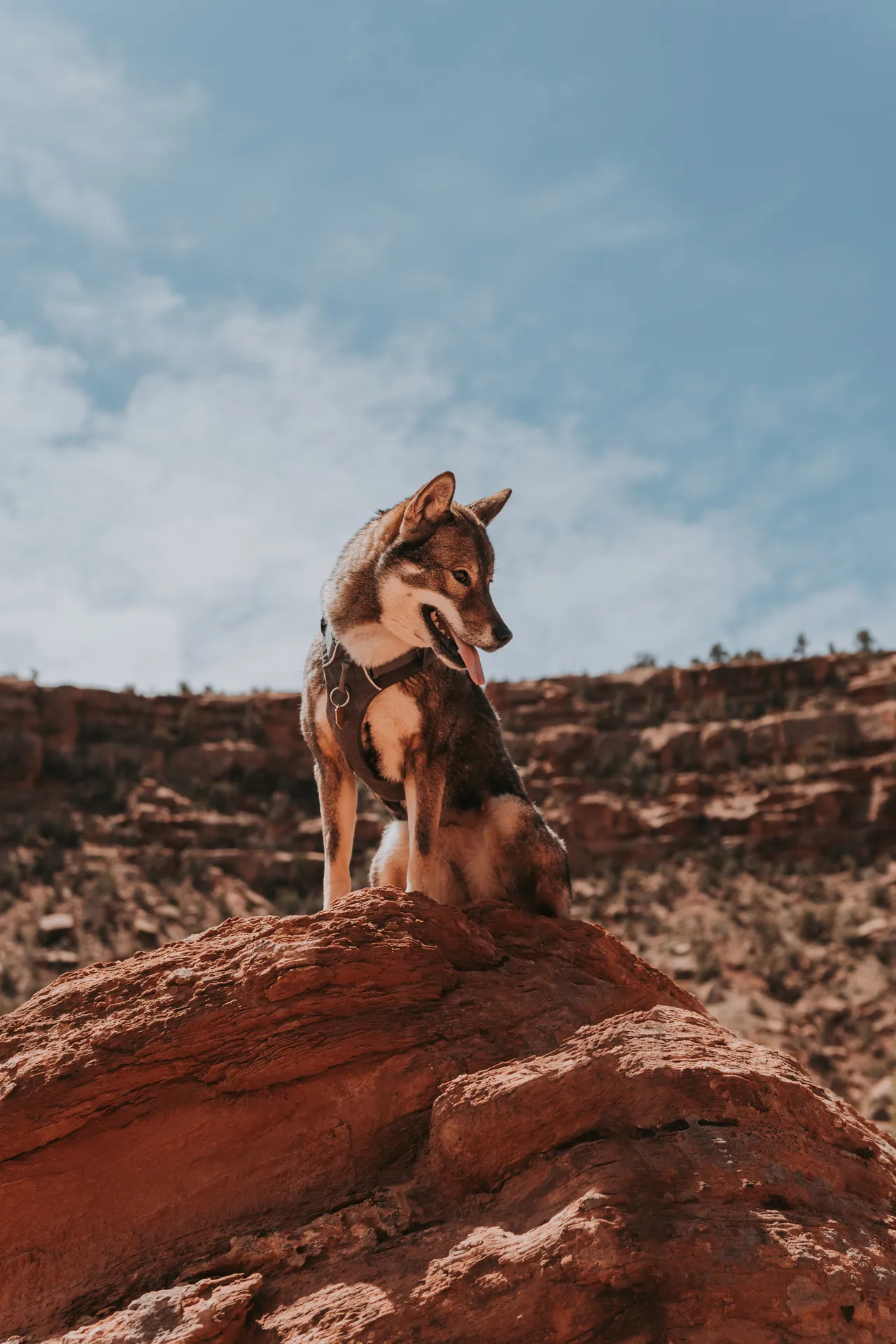
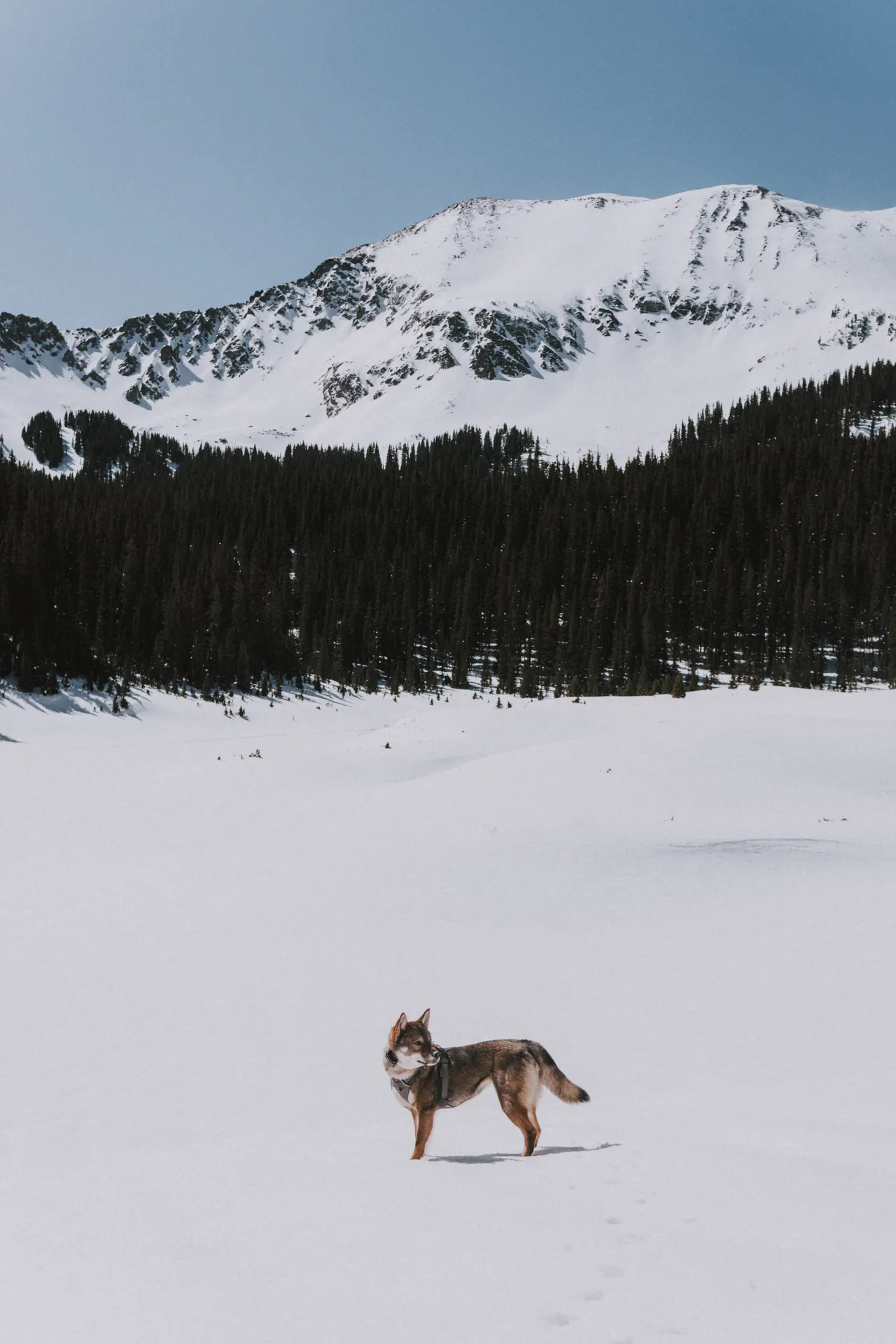
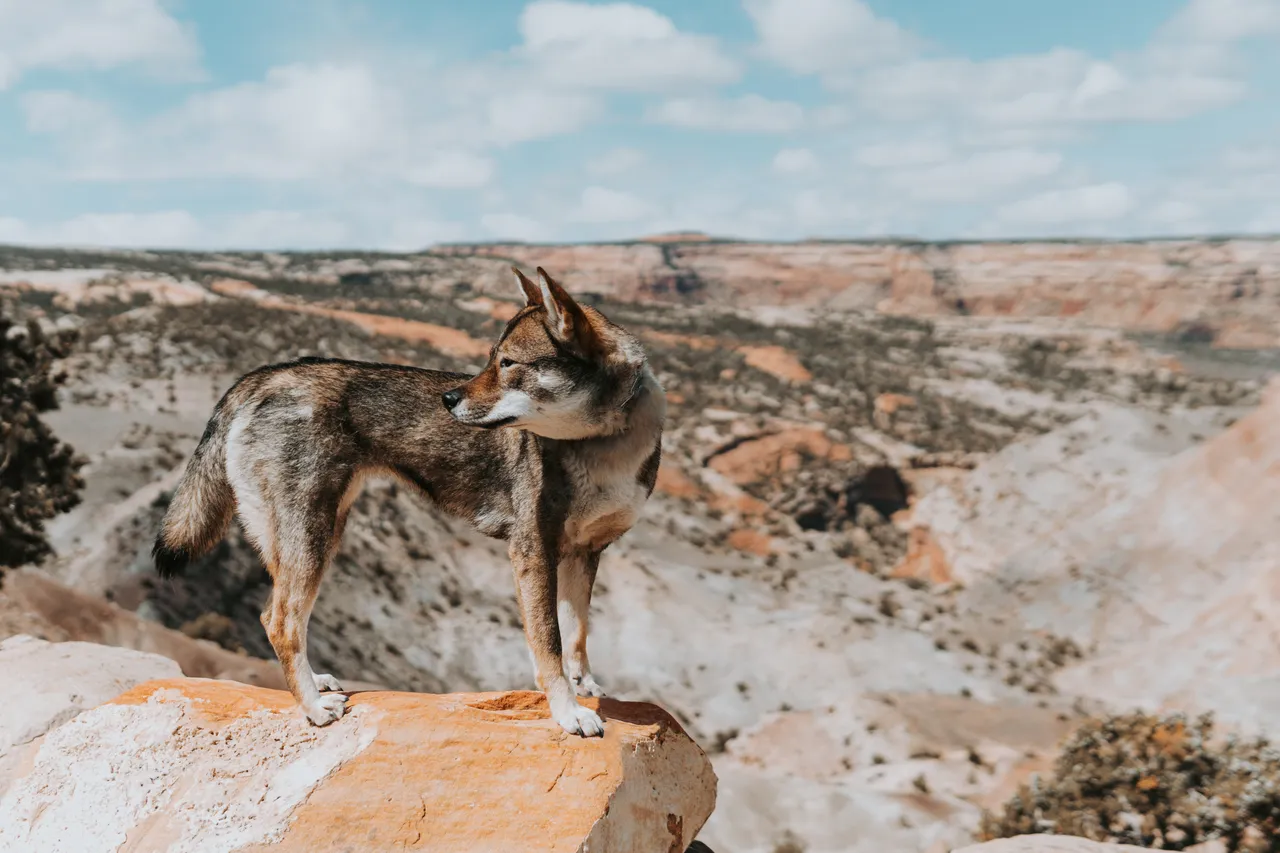
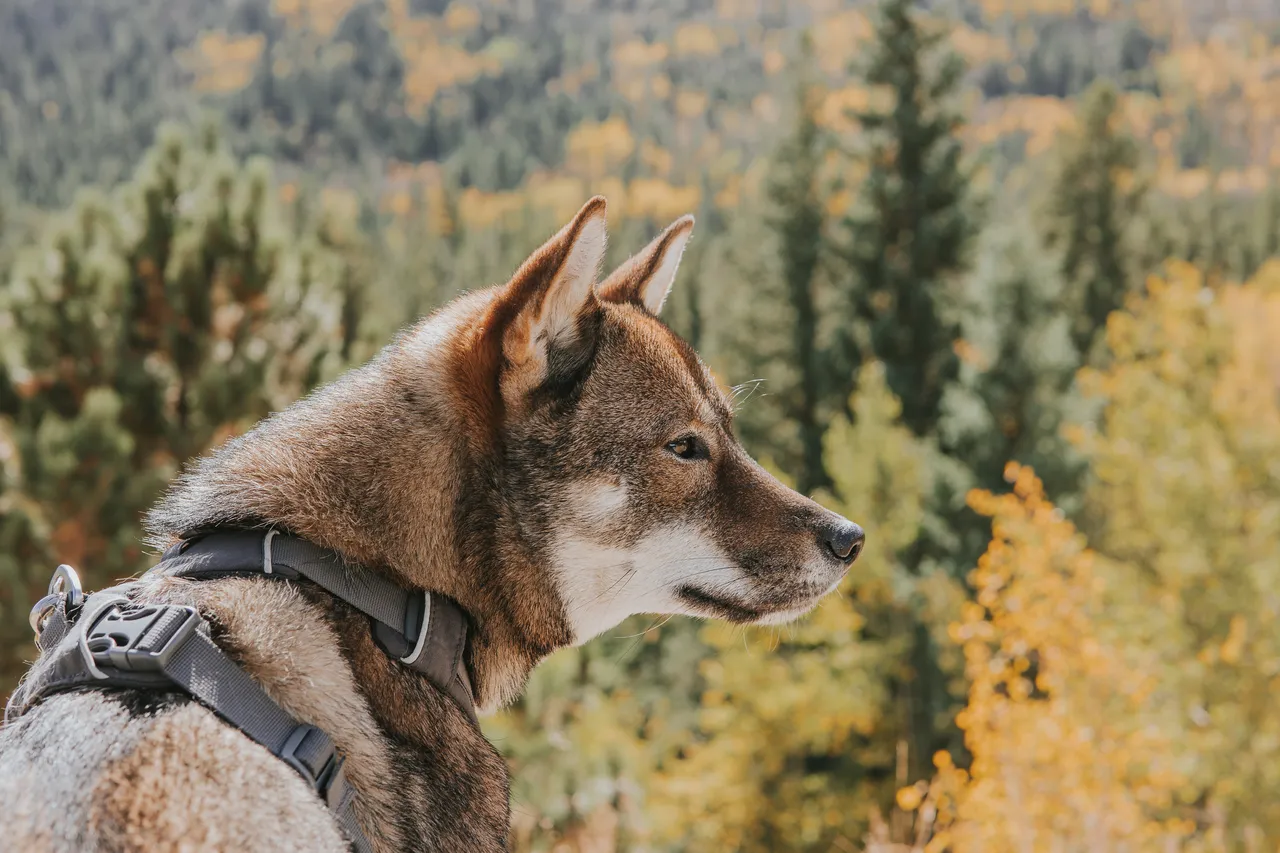
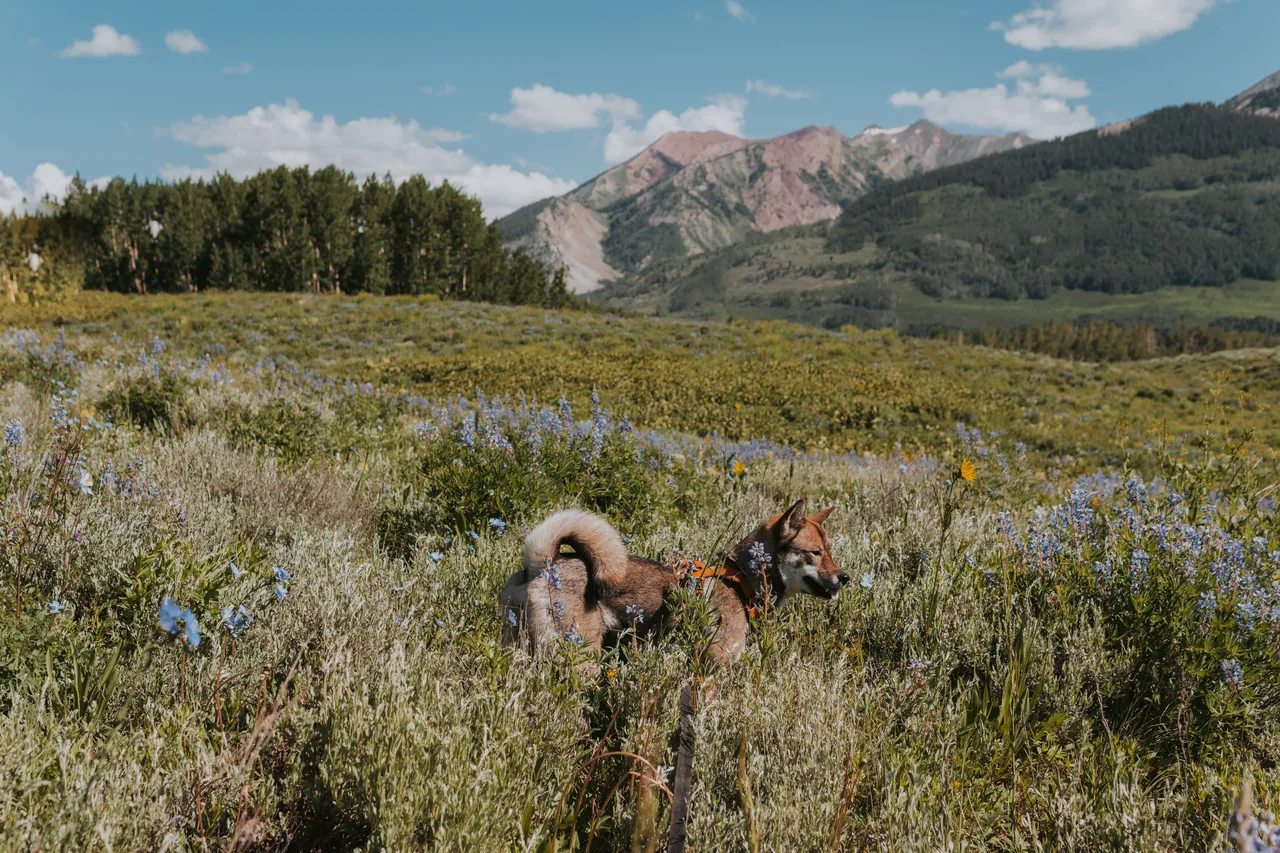
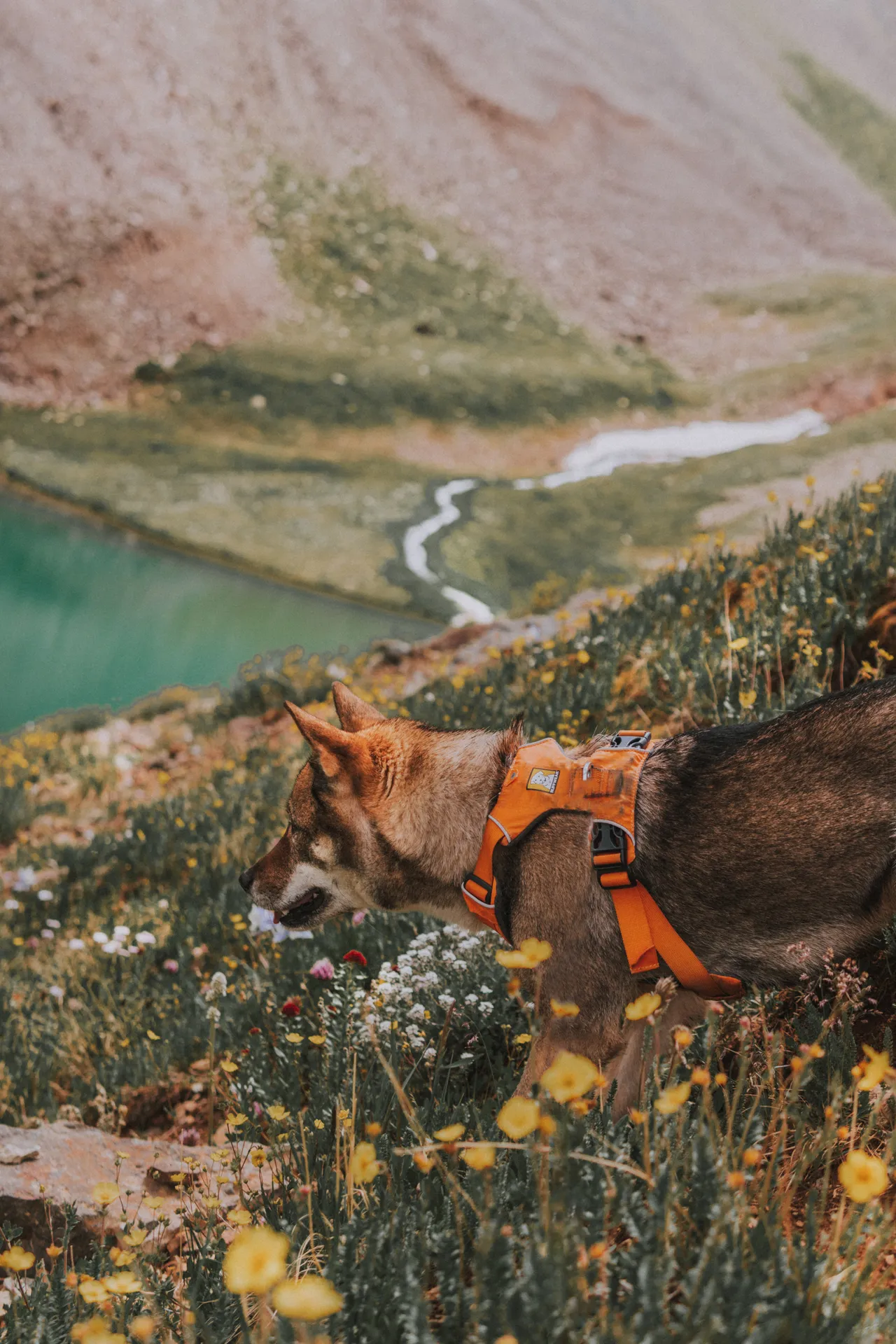
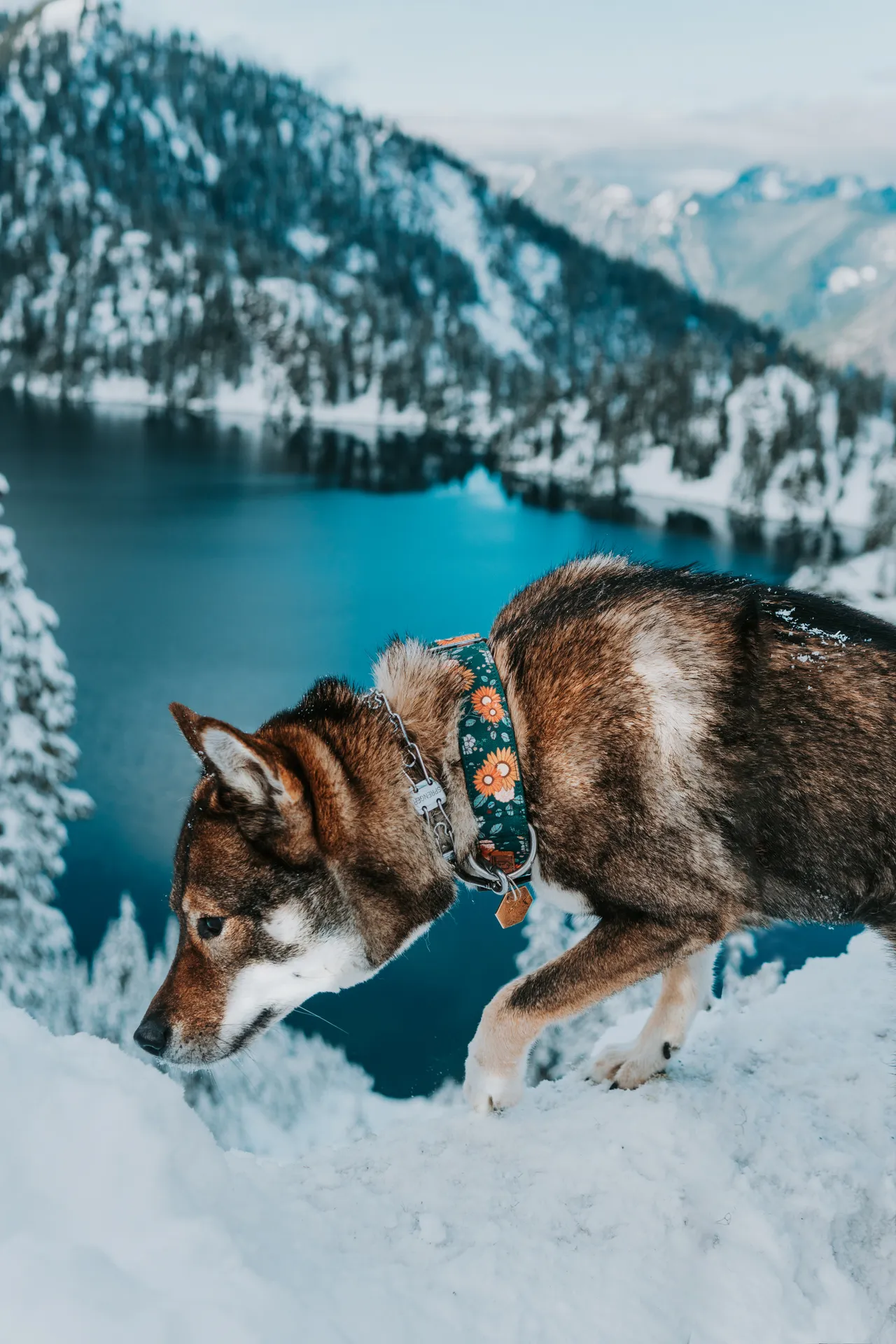
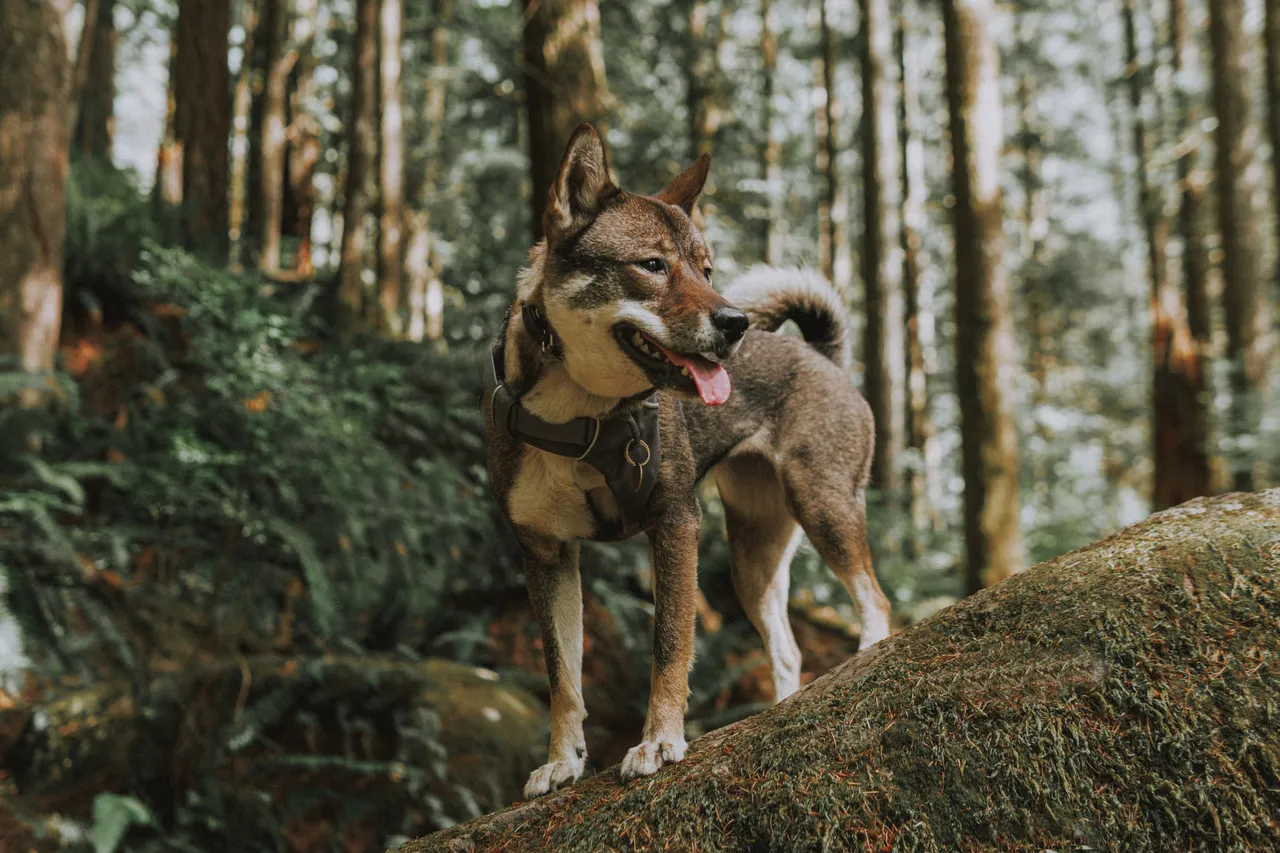
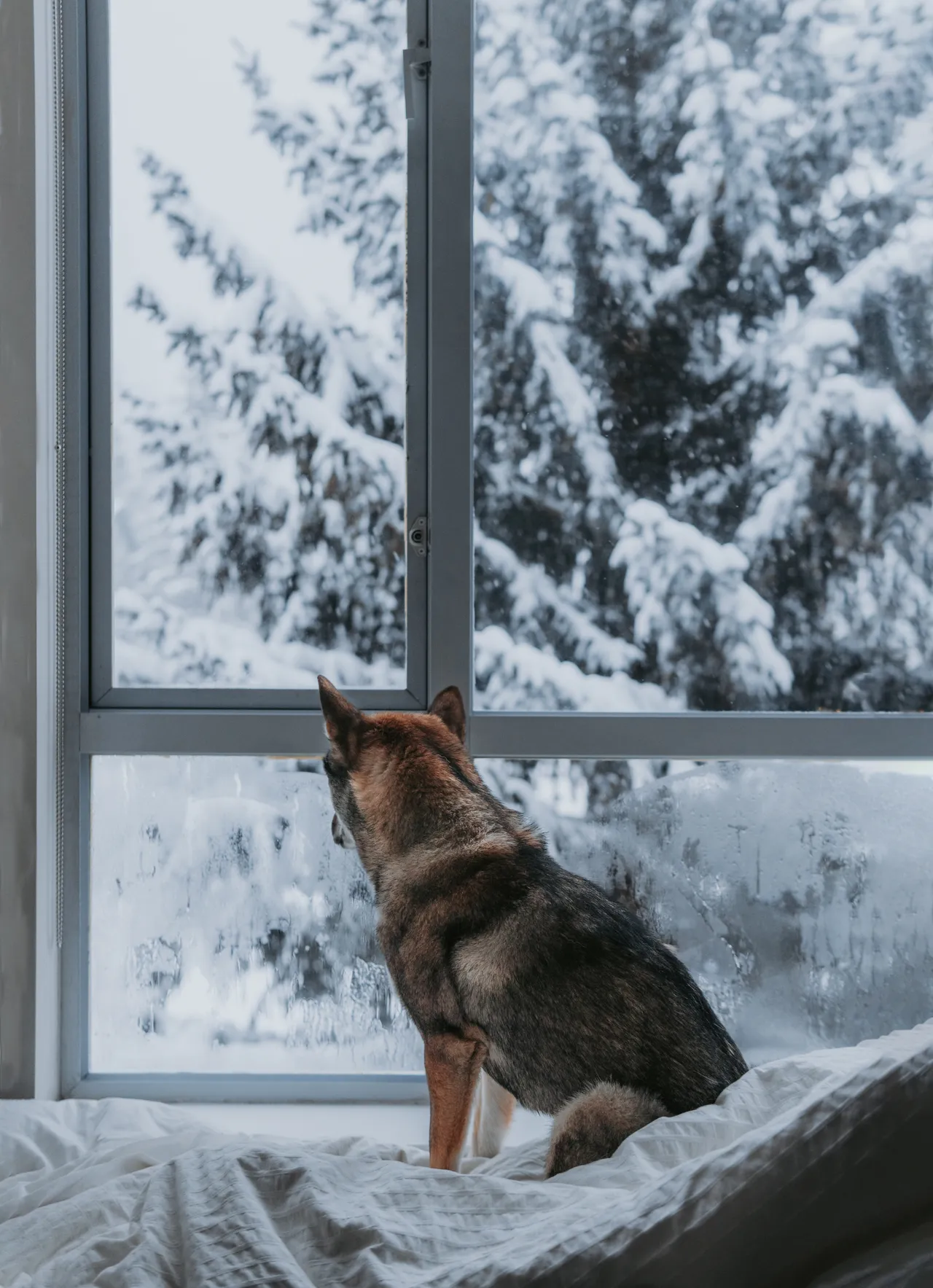
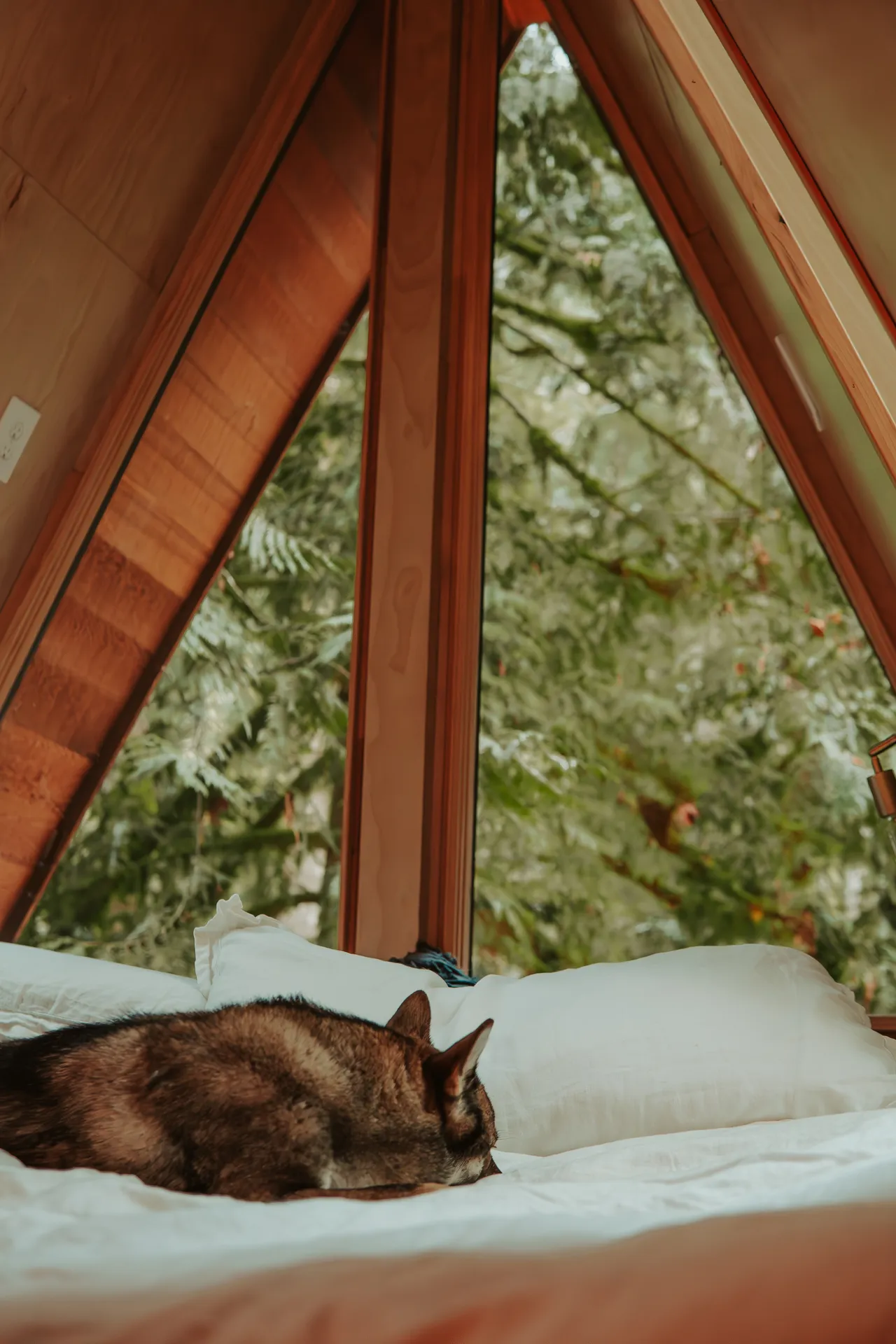
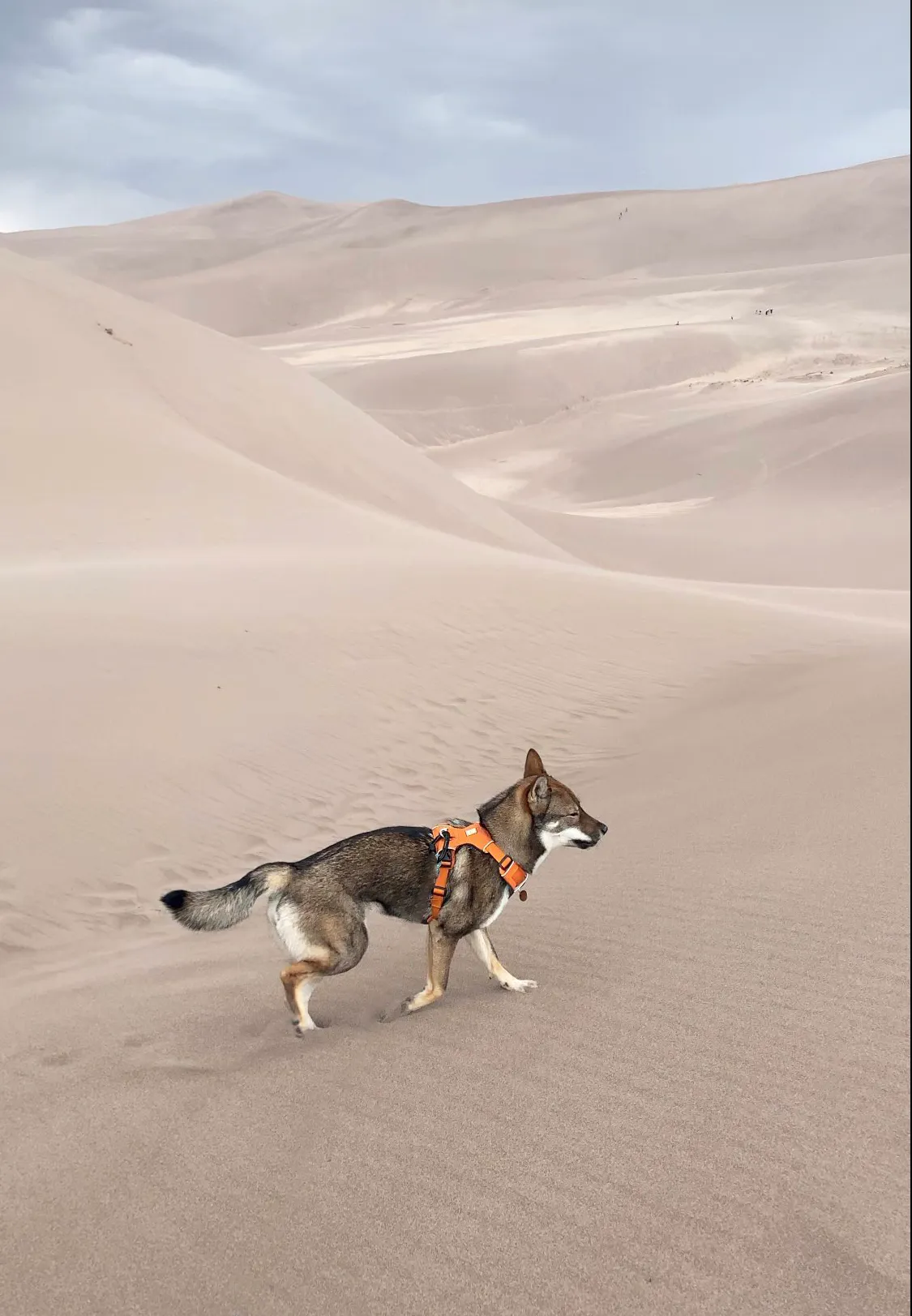
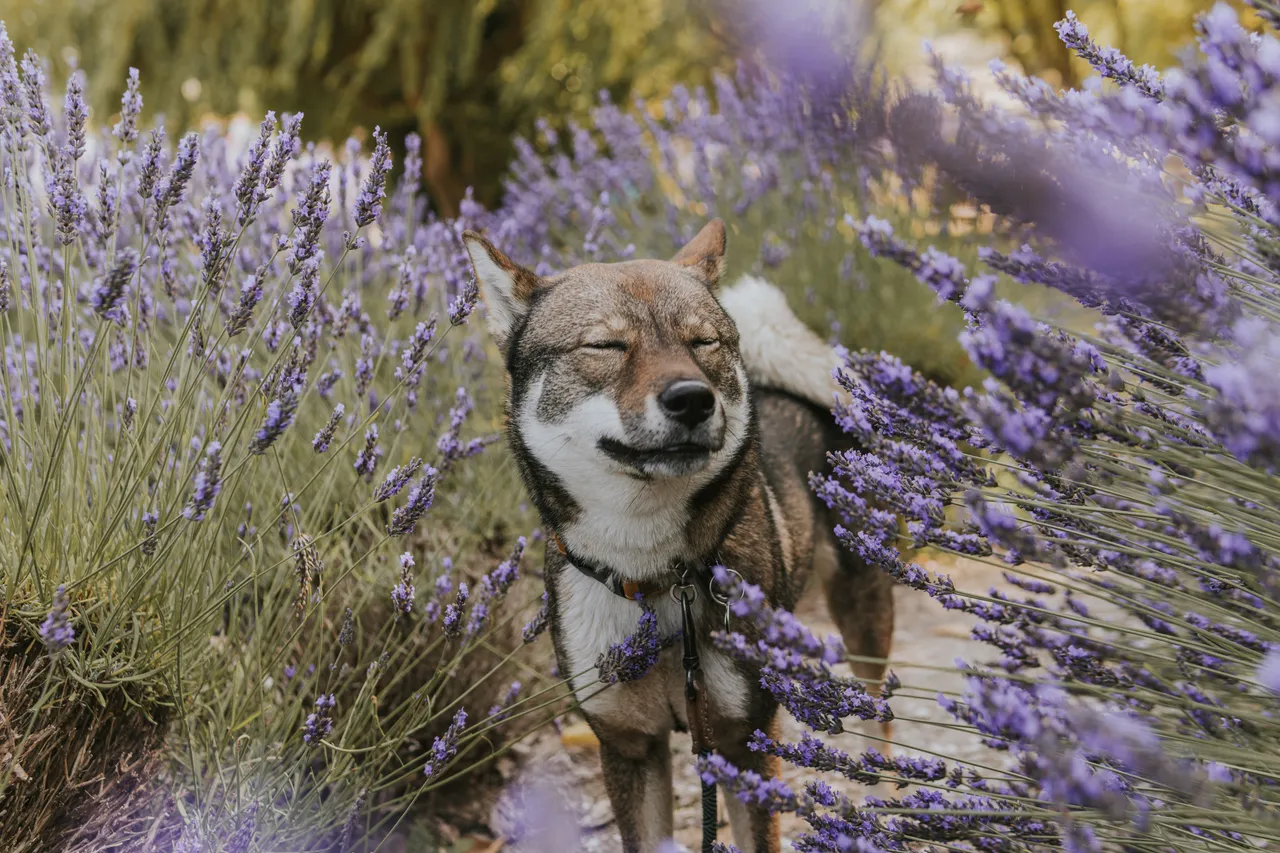
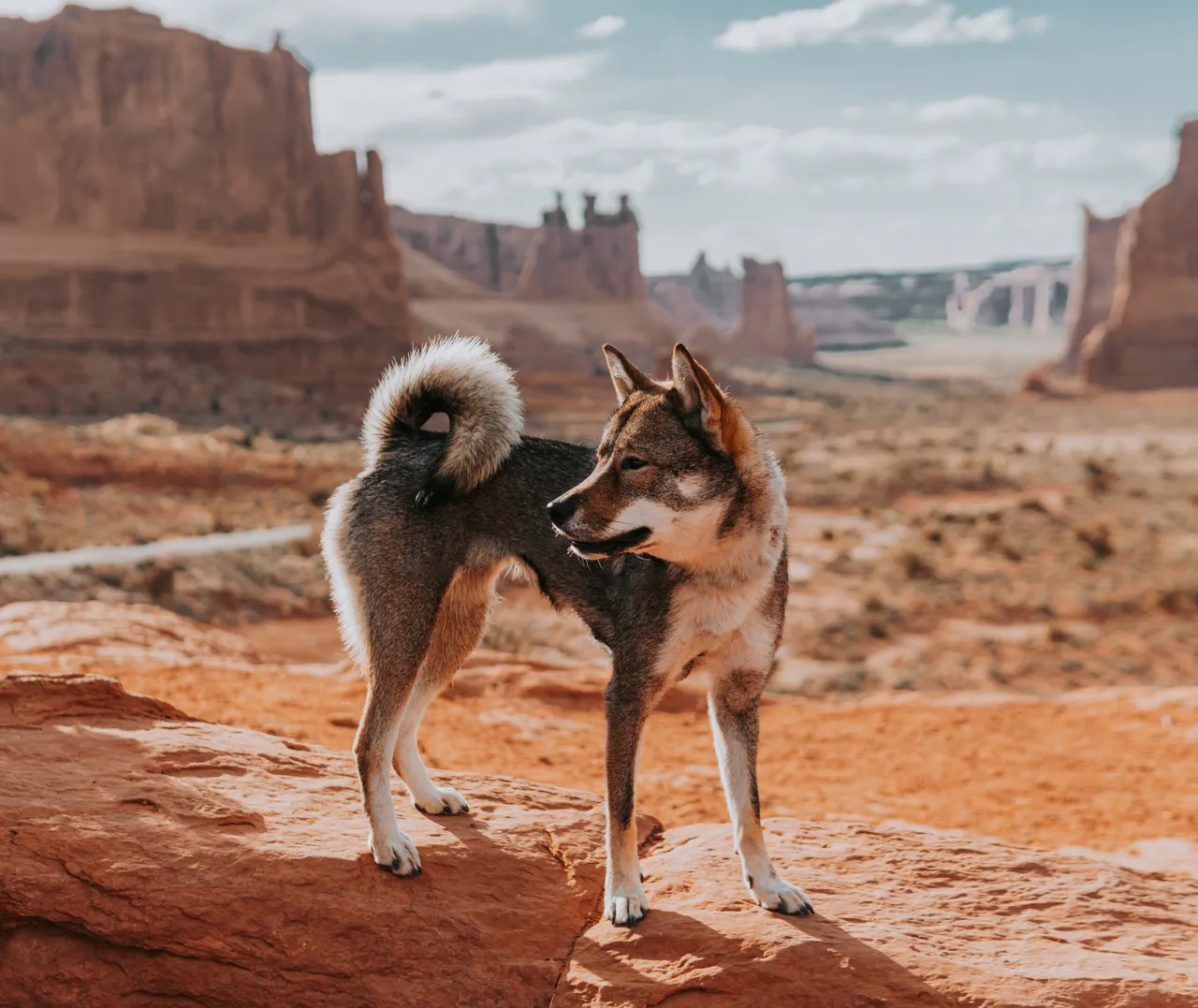
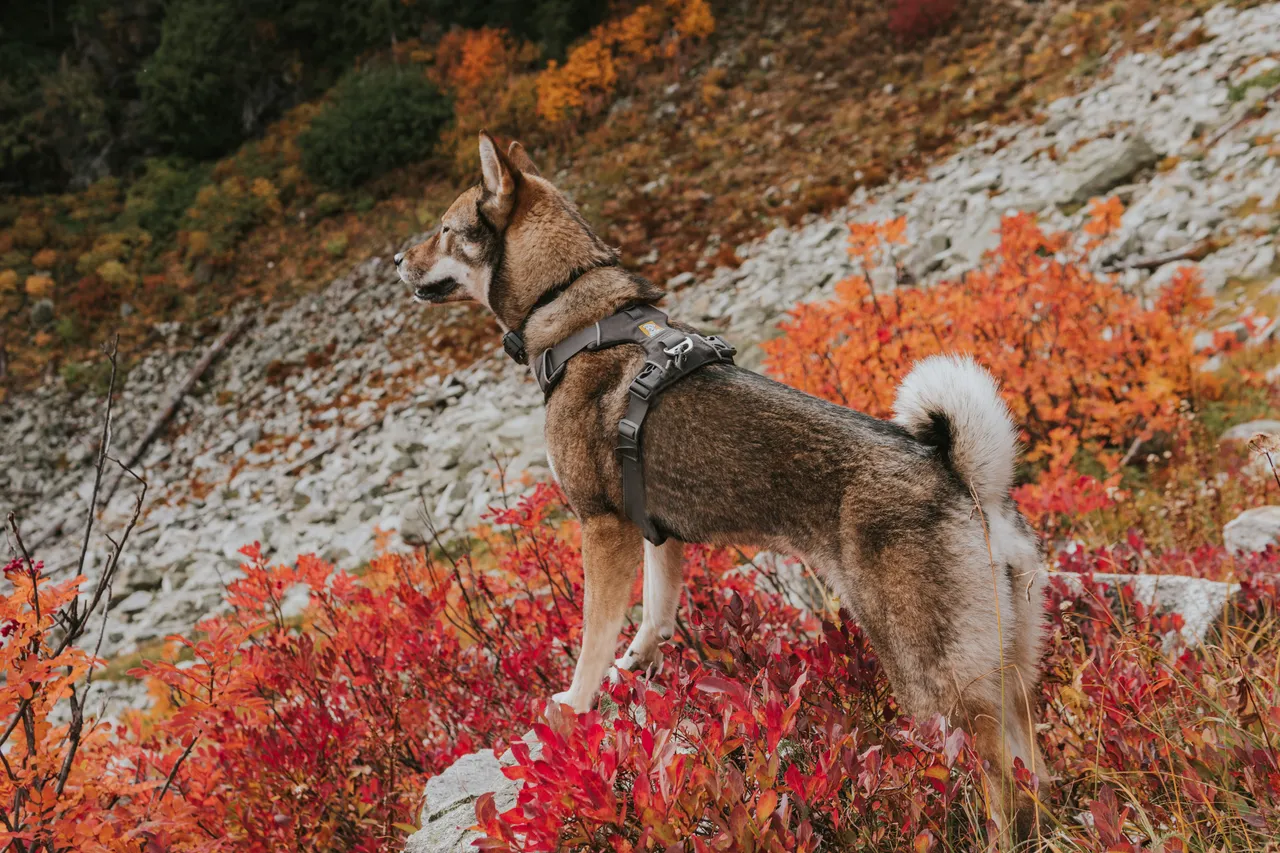
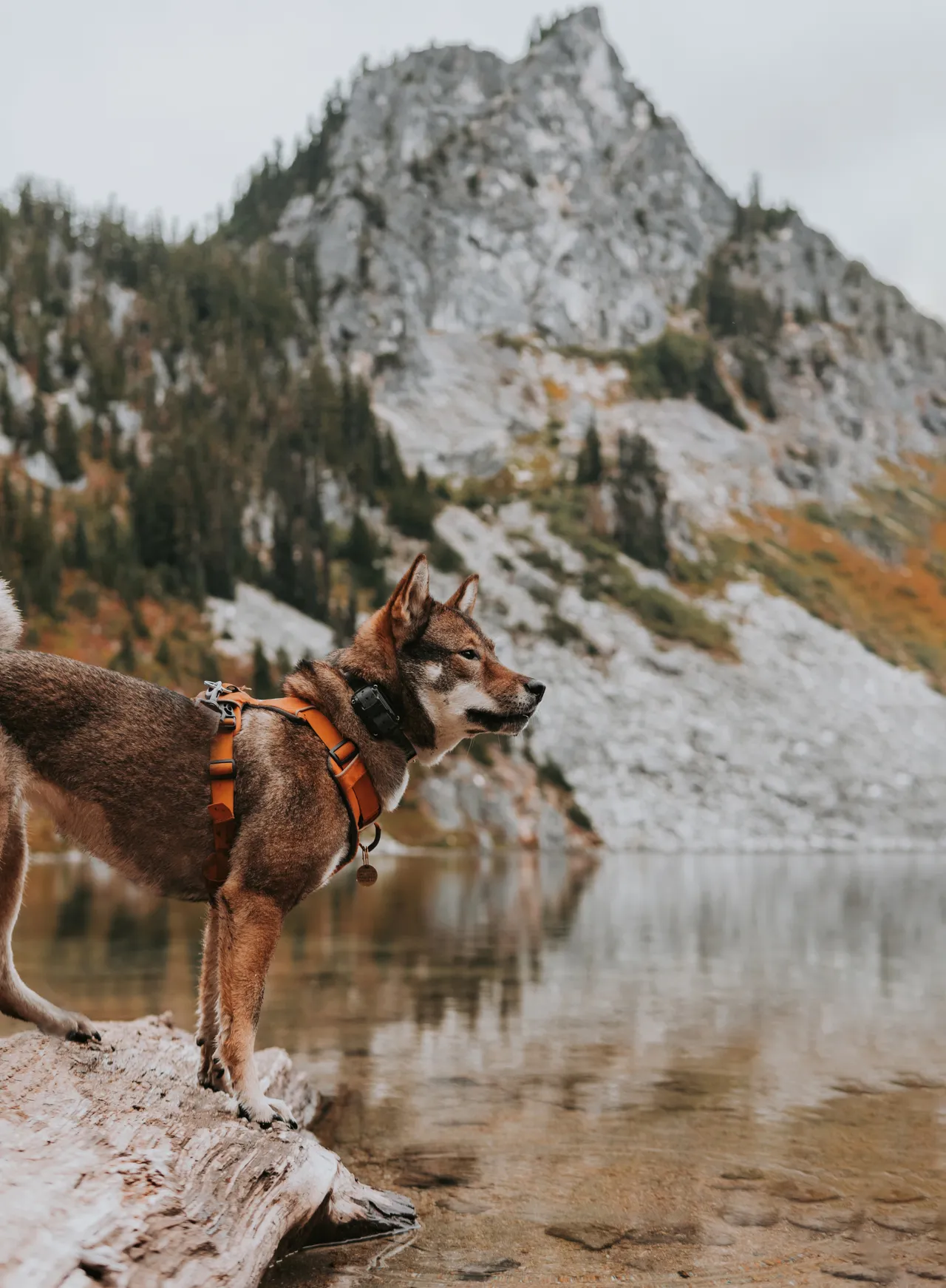
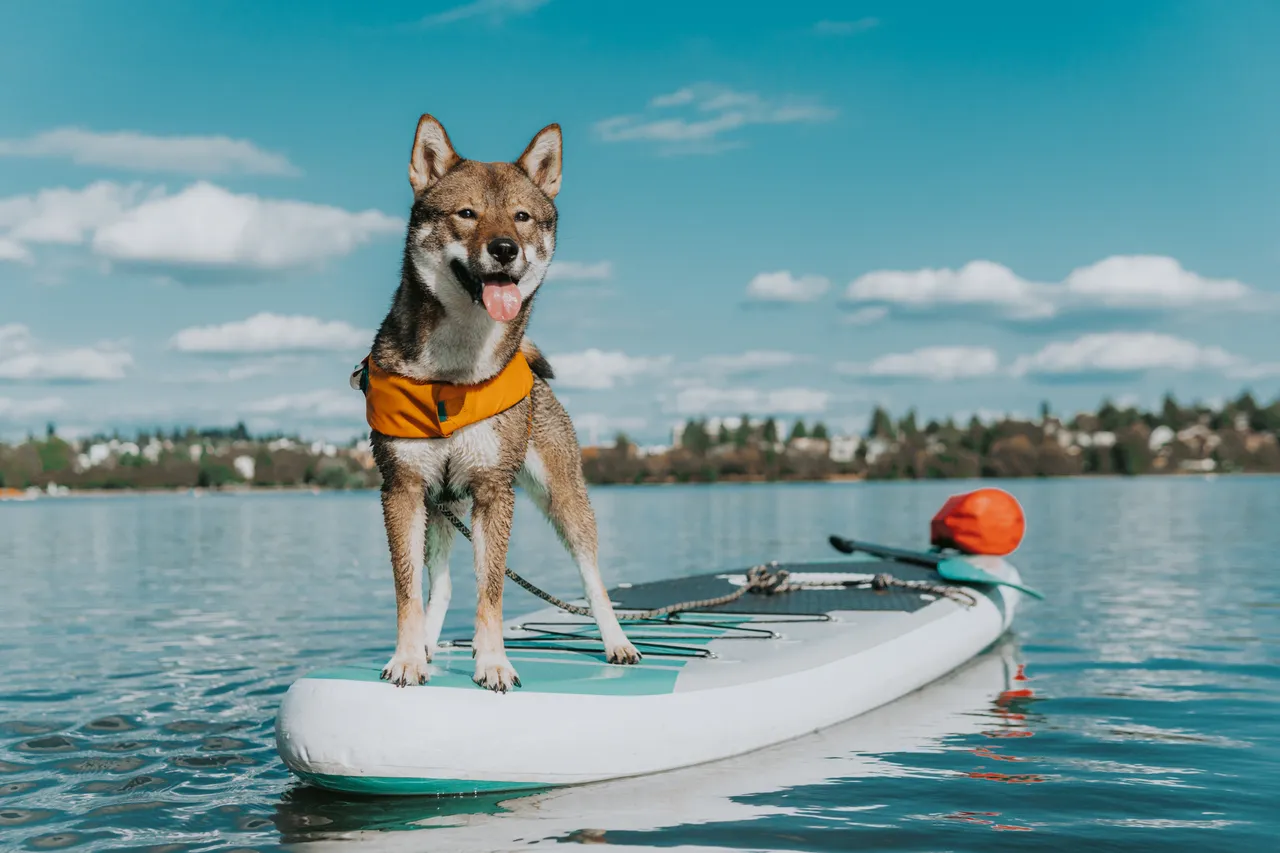
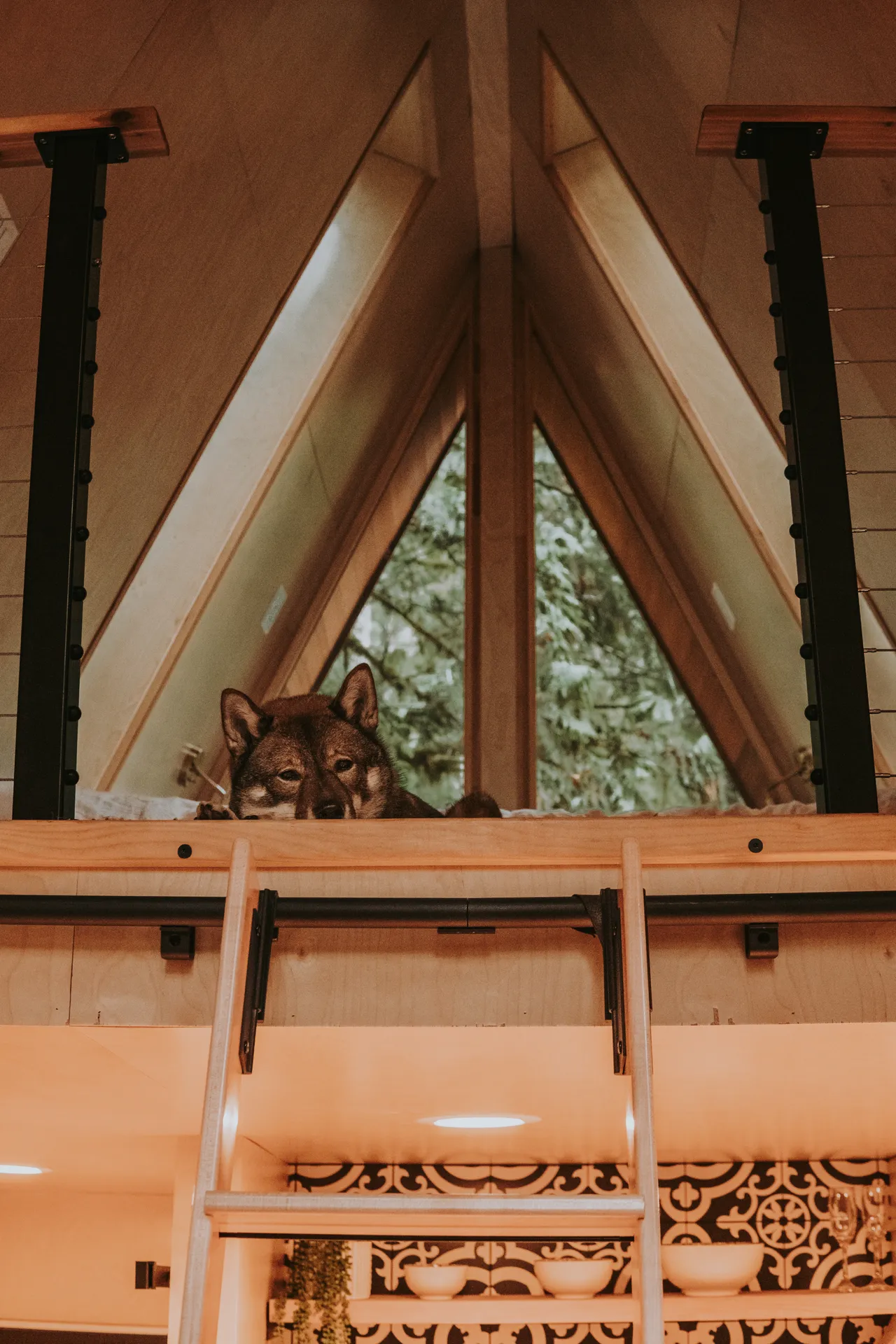
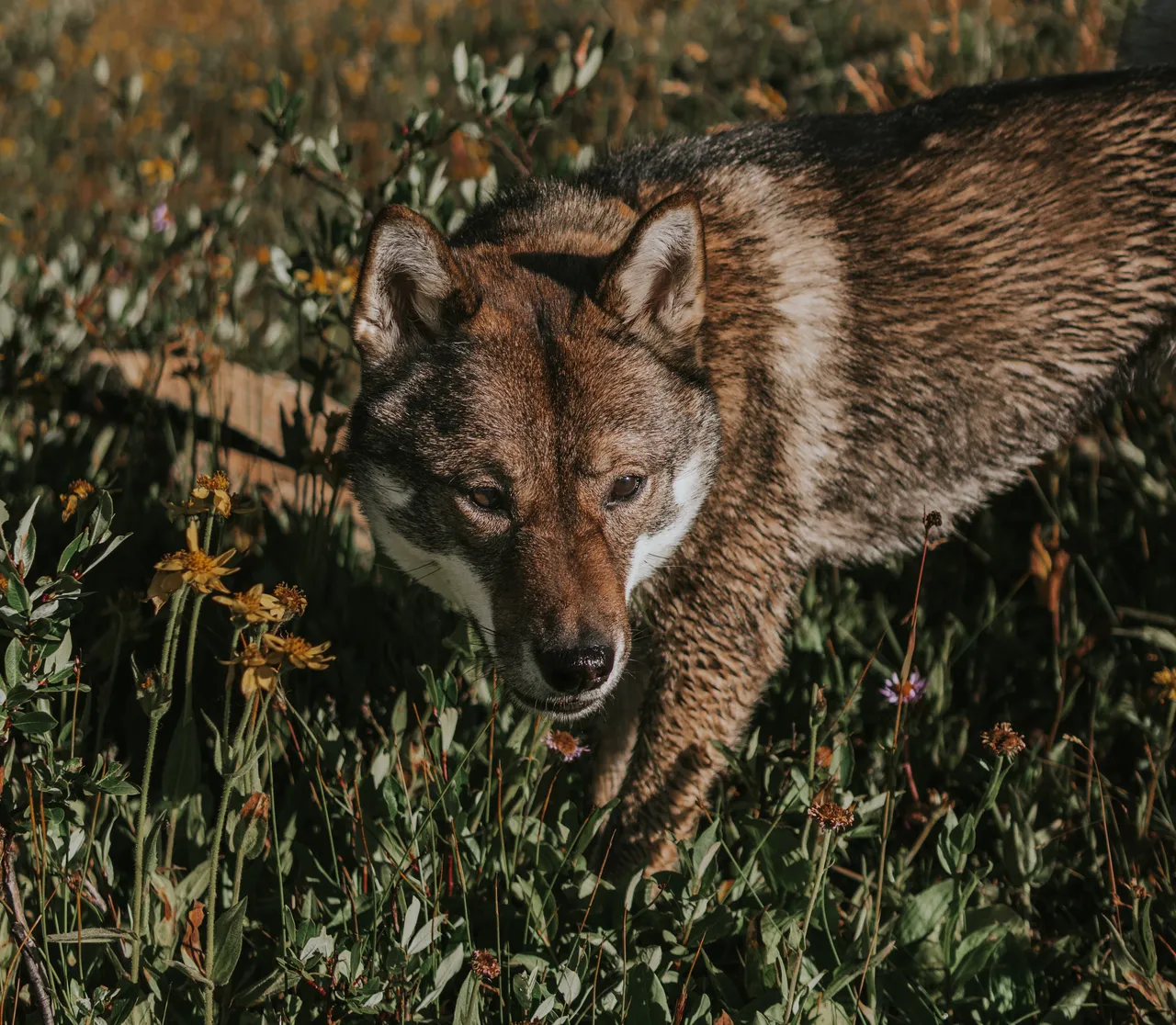
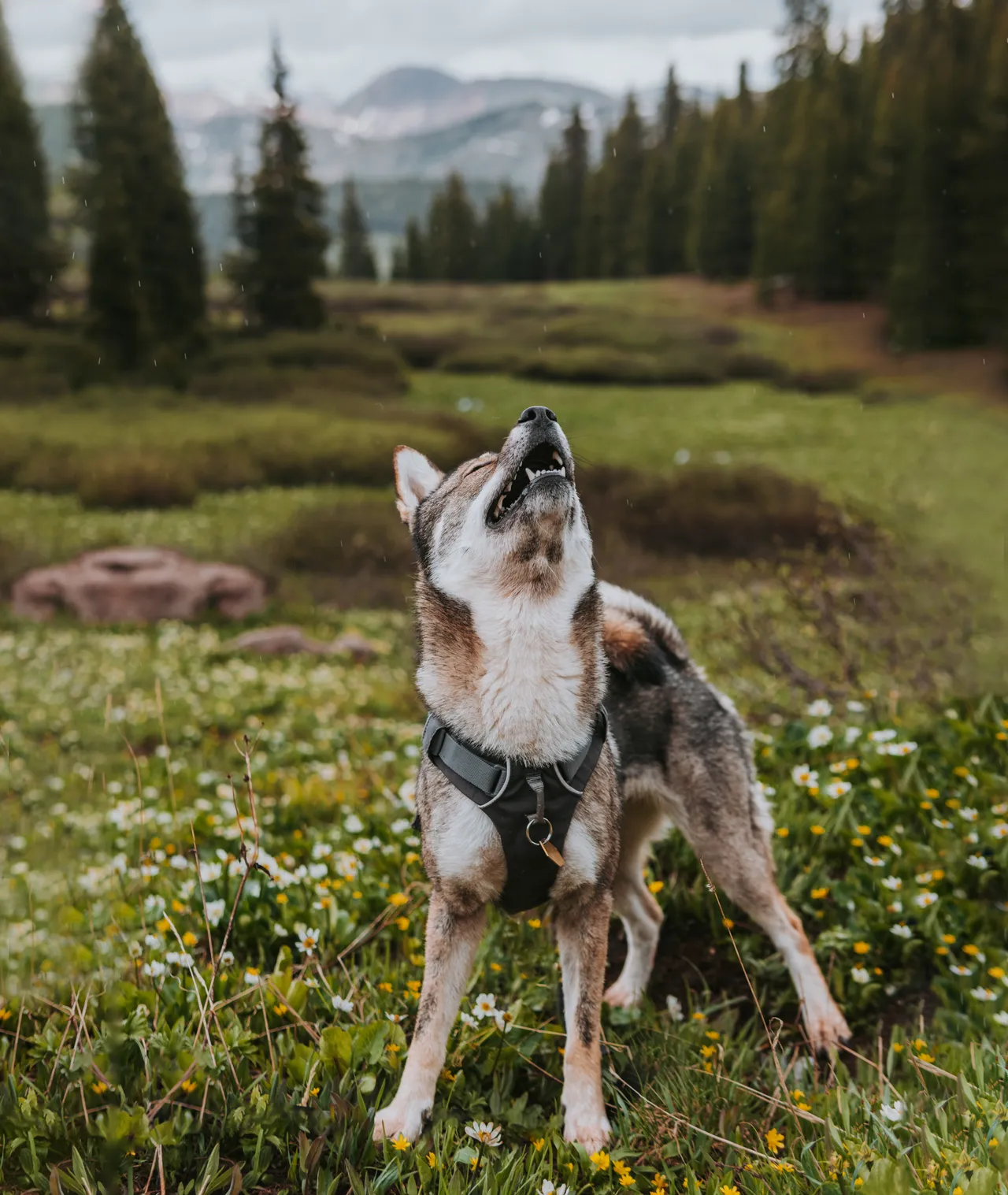
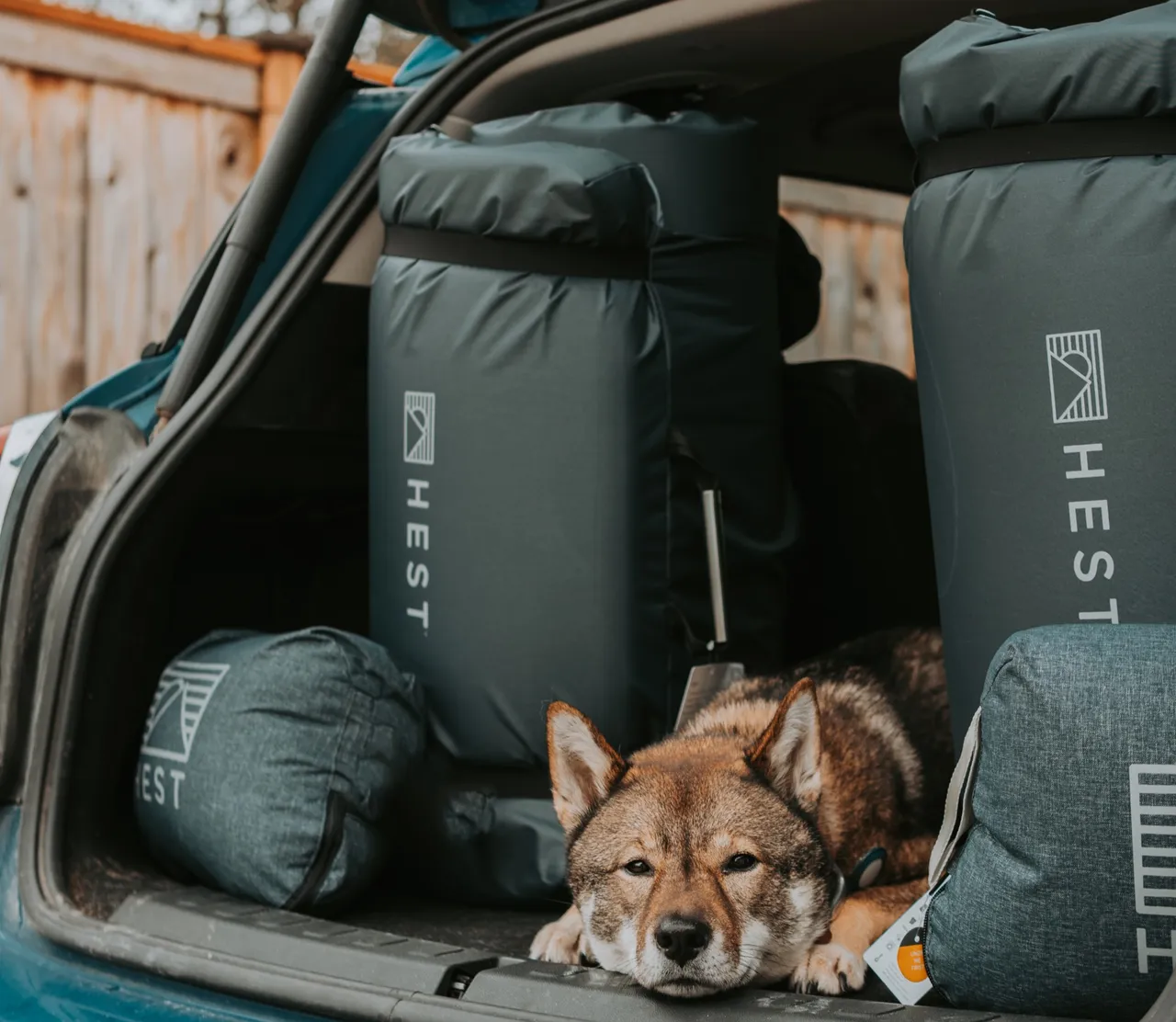
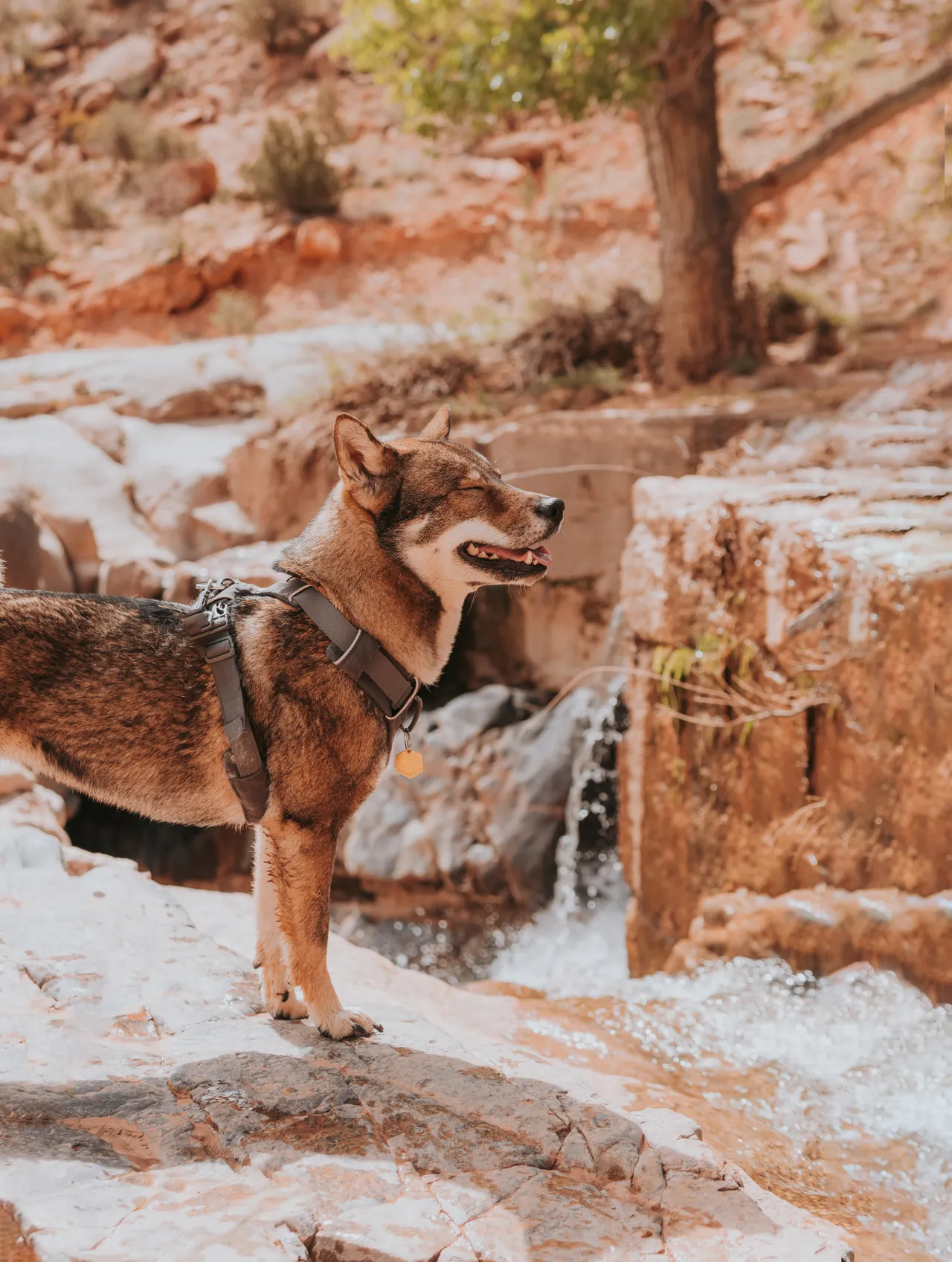
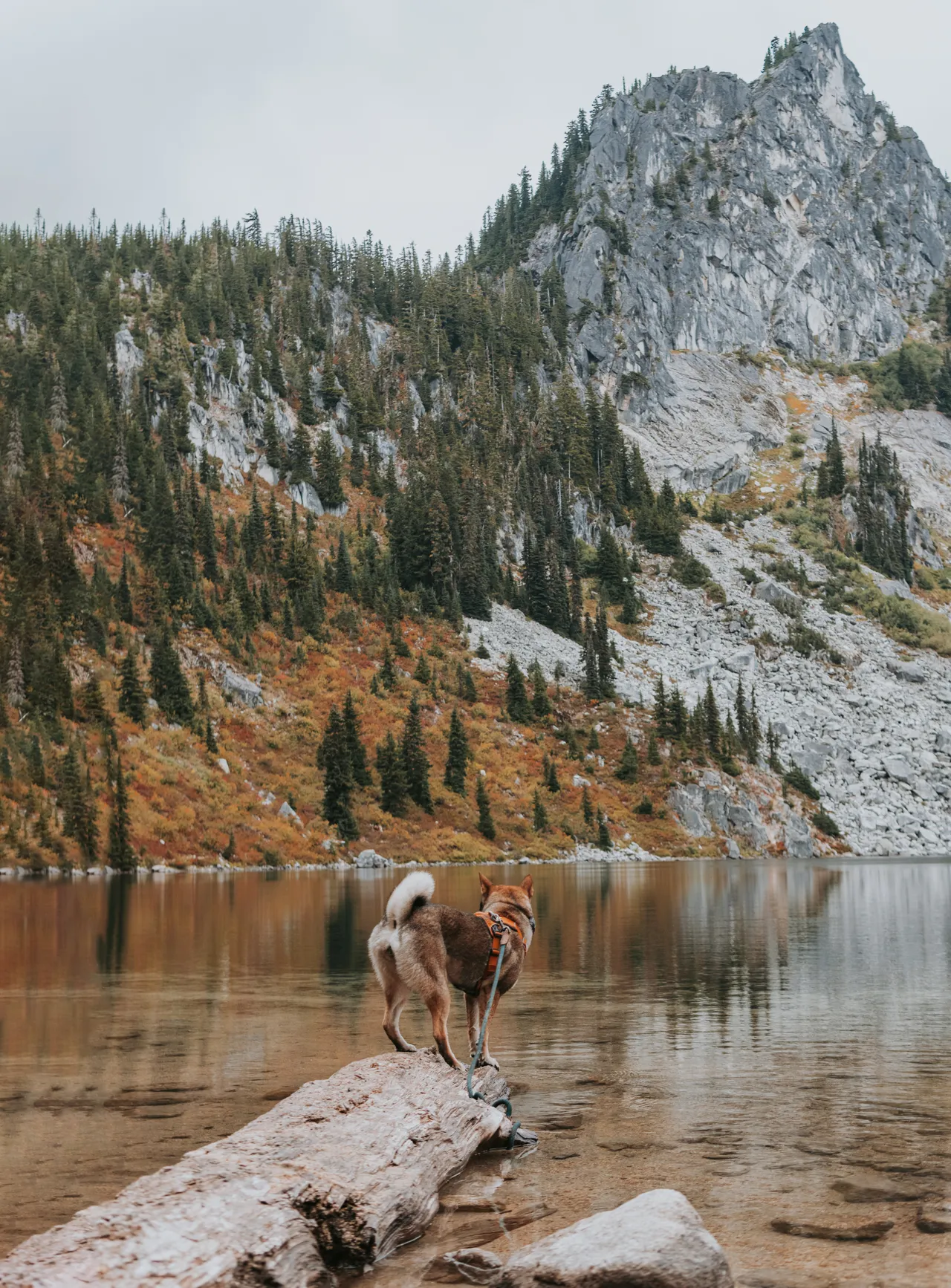
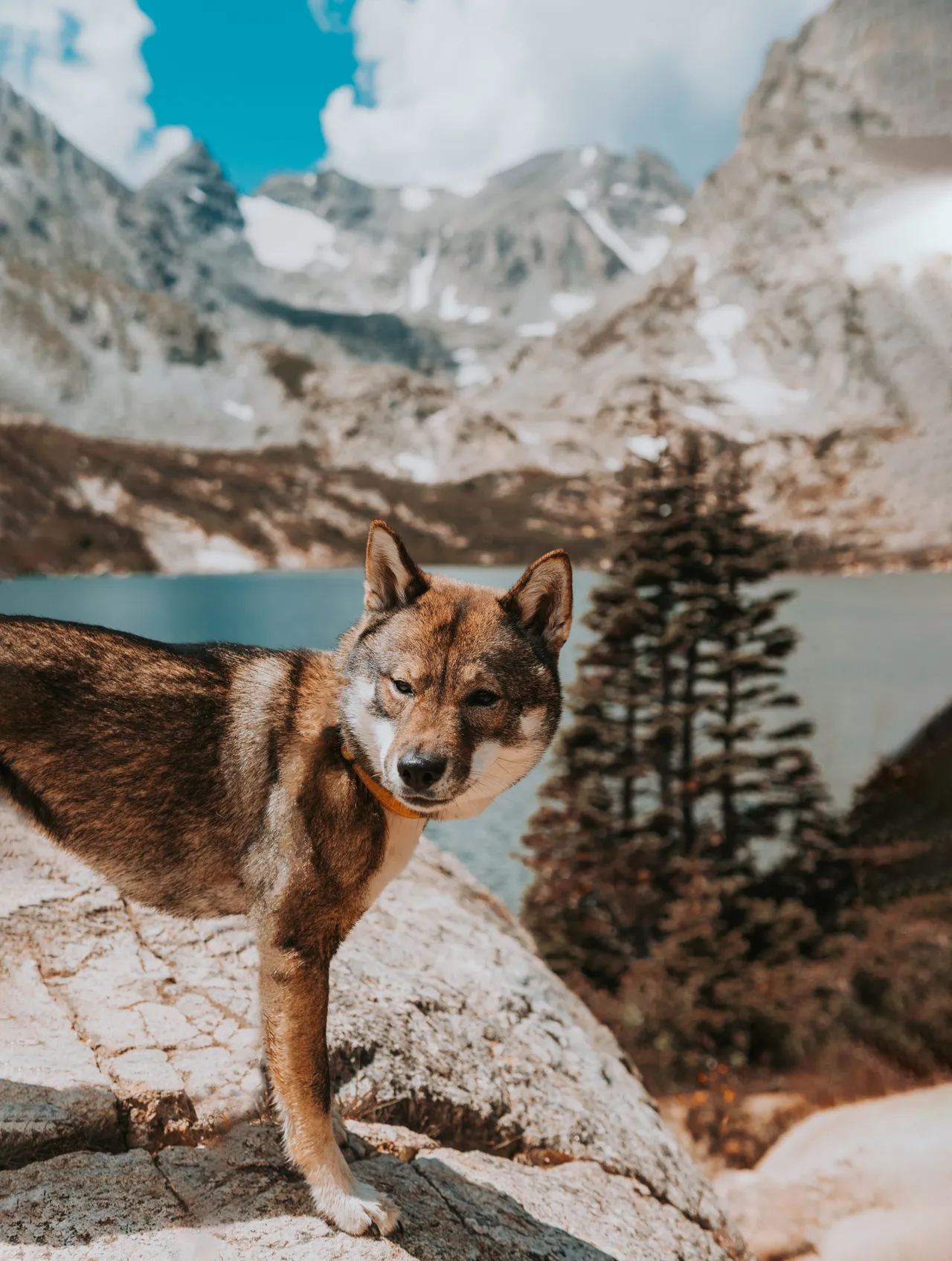
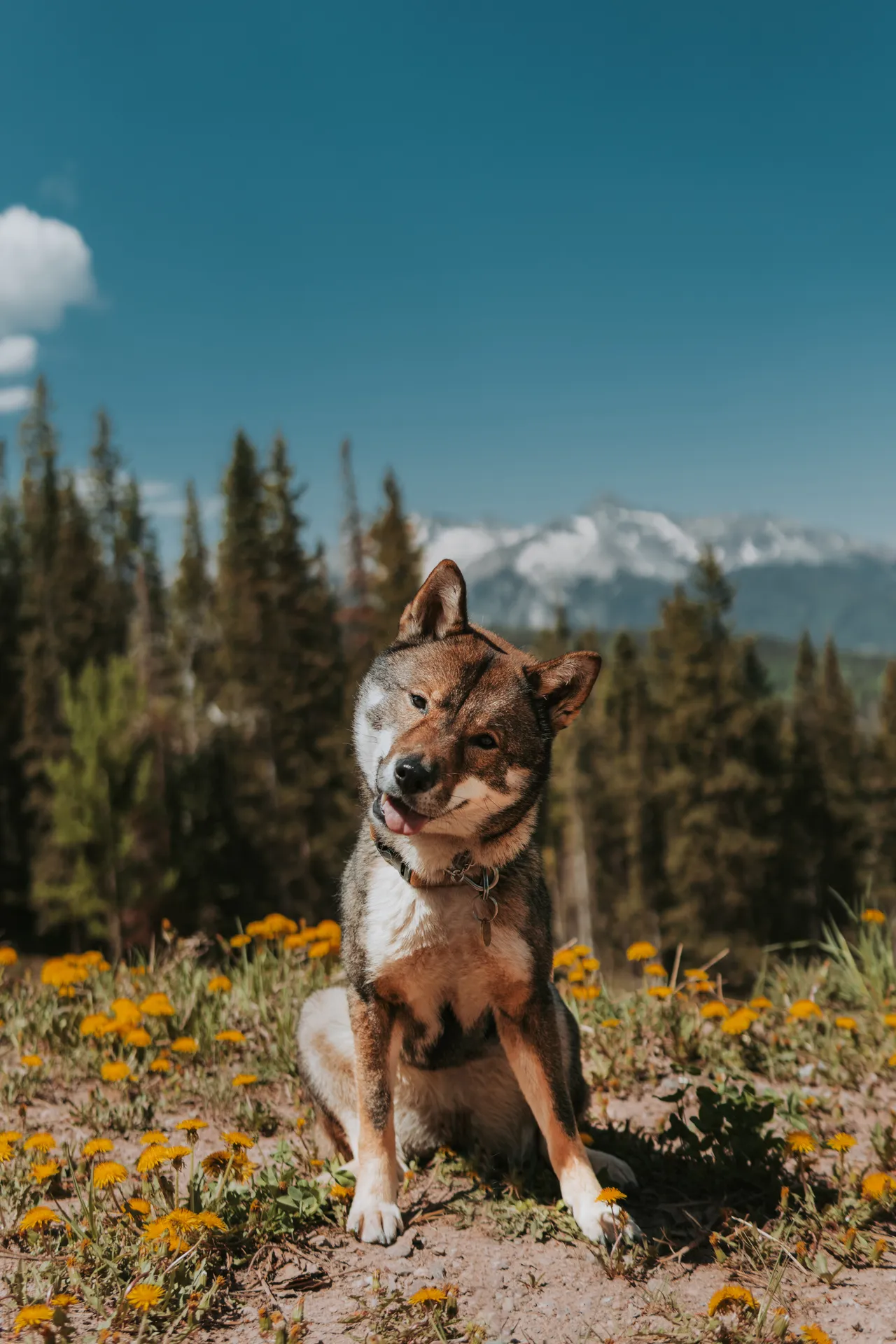
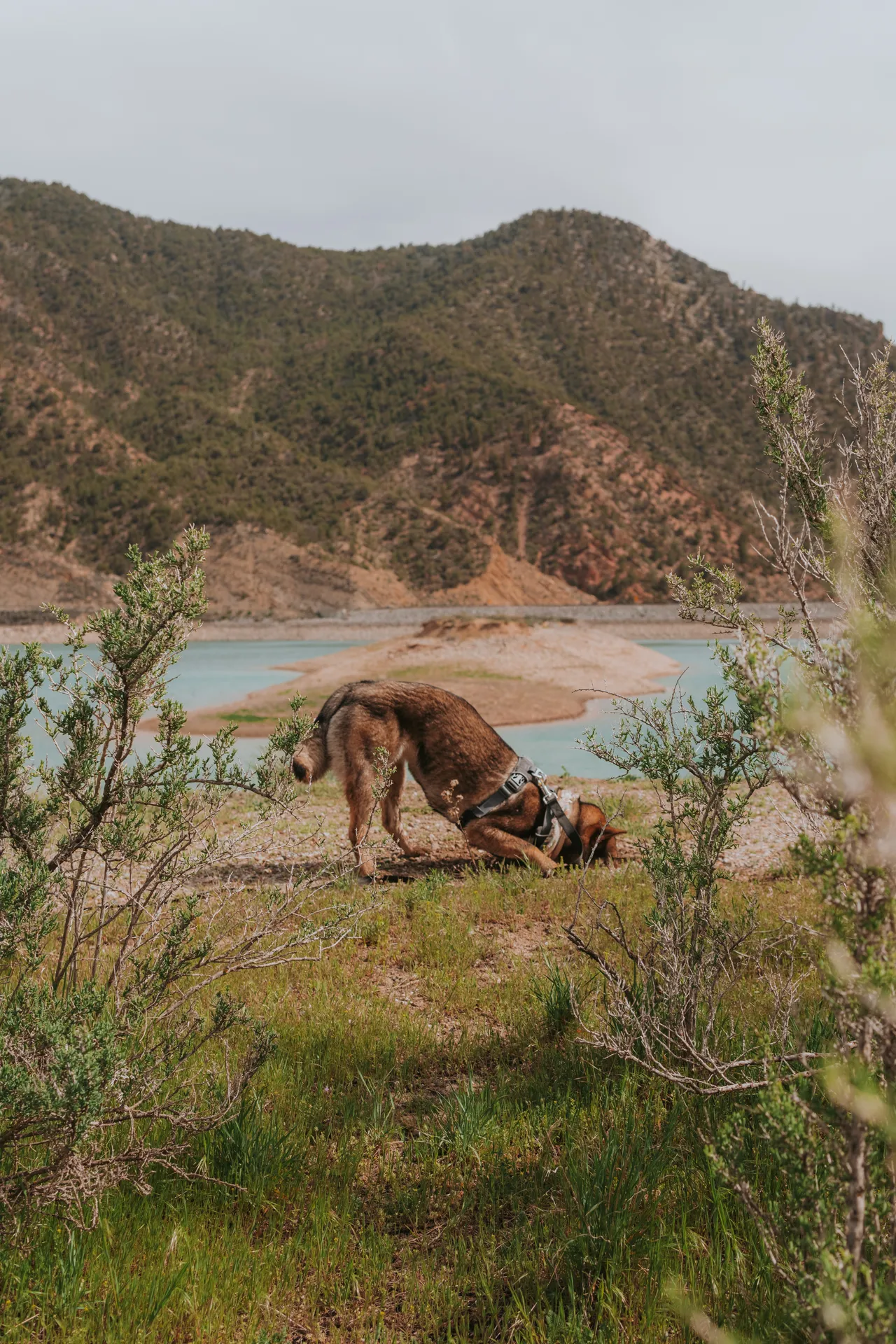
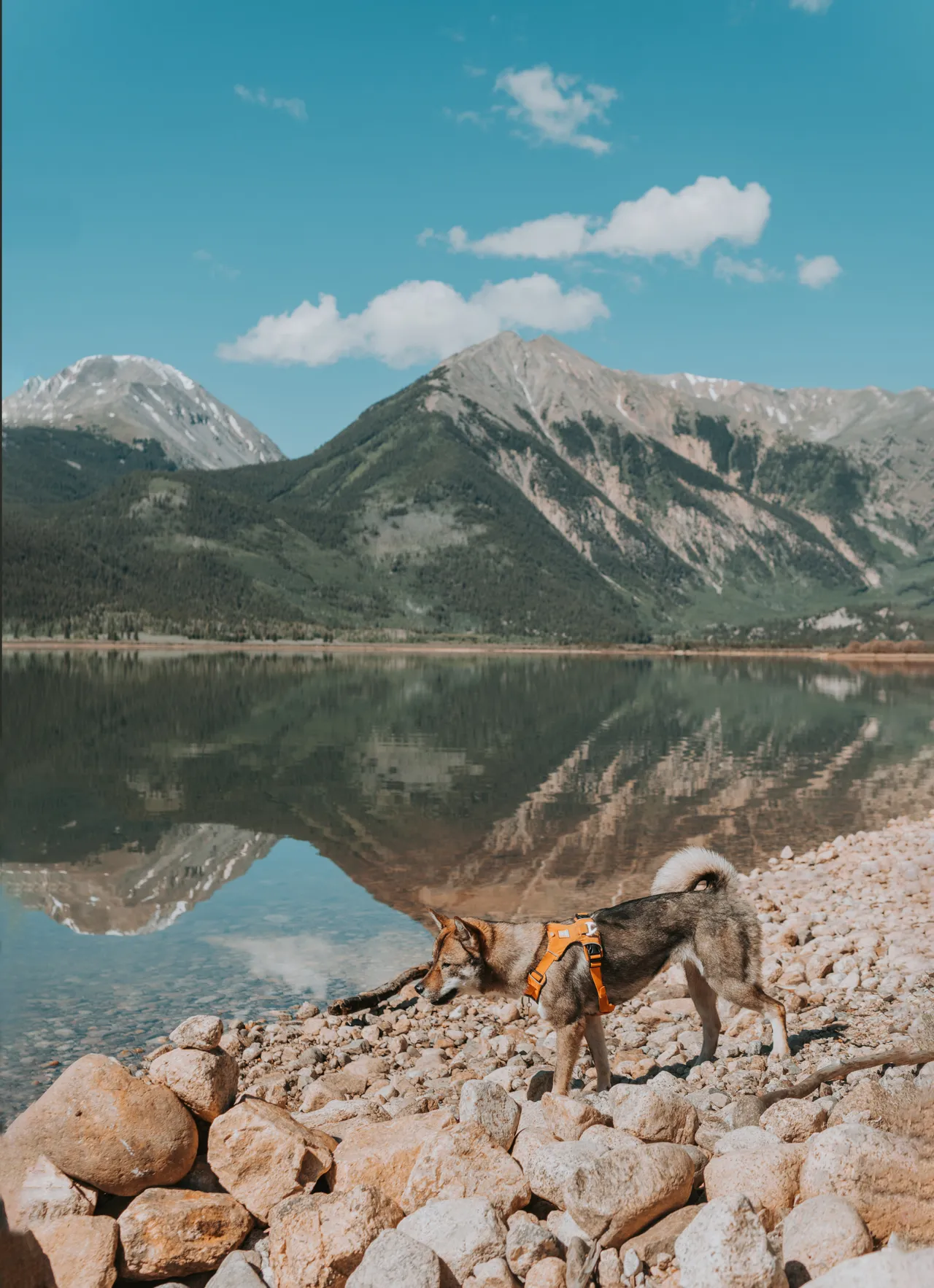
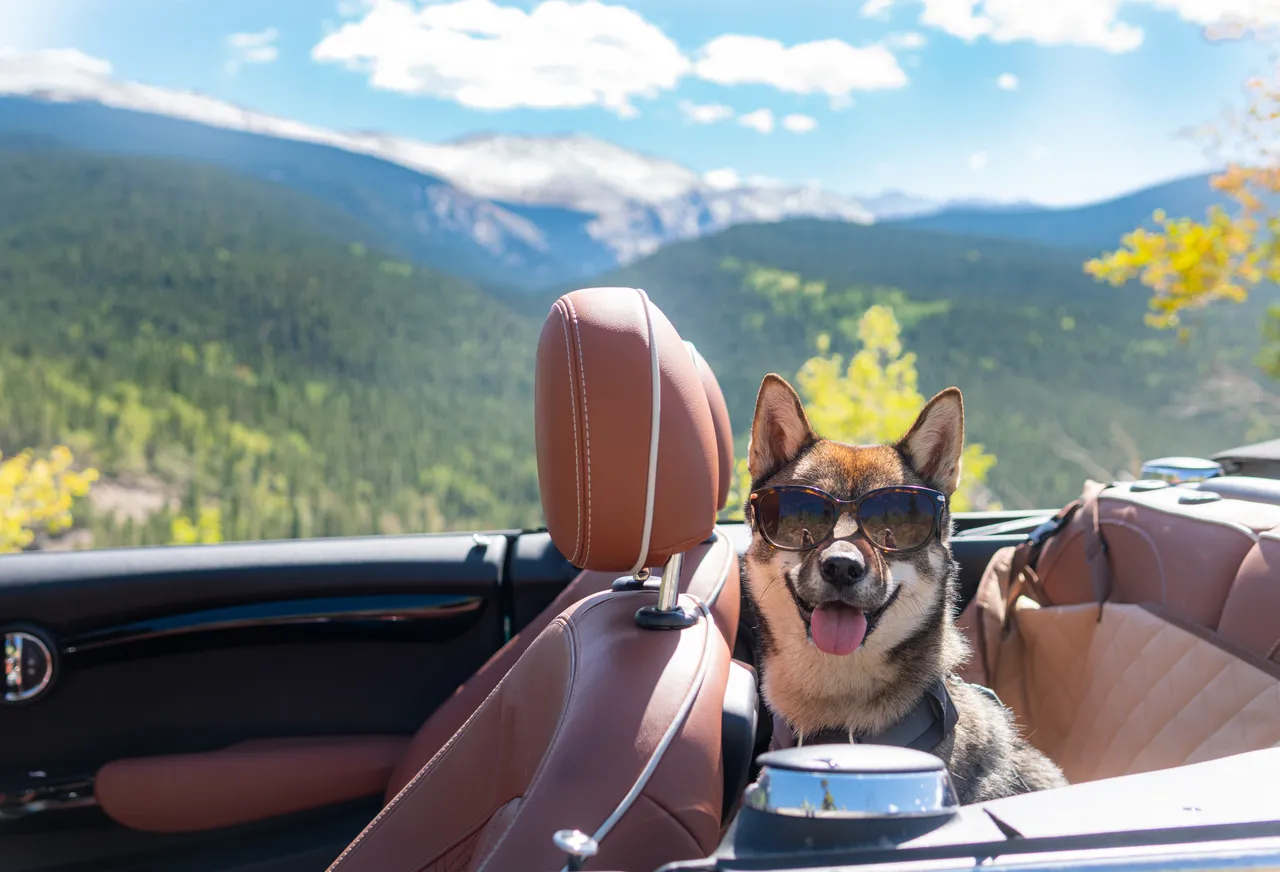
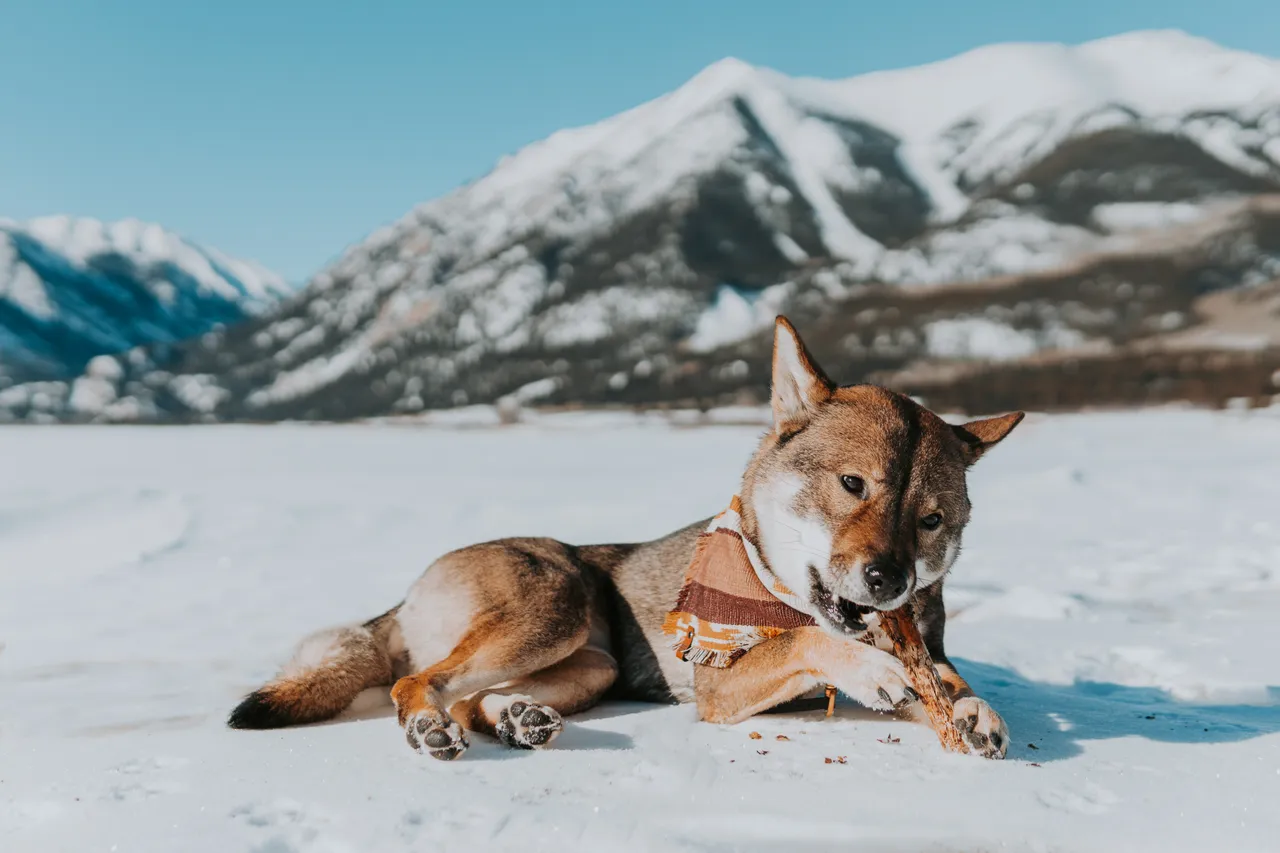
What camera and lens do I use? Sigma 30mm f/1.4
modes, gear, and things
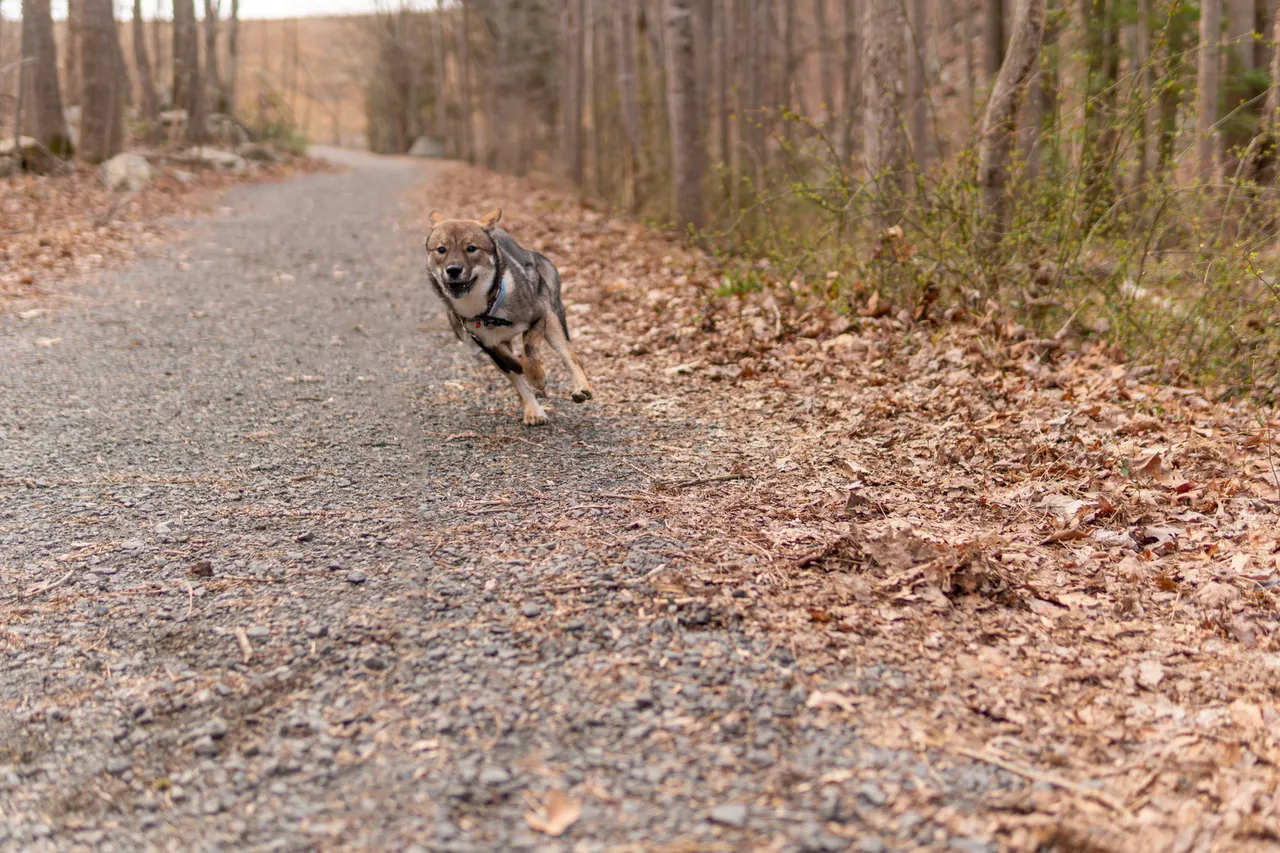
Set your camera to Continuous-Auto Focus mode. This will help do wonders when it comes to capturing your fast-moving puppy. I struggled so much with blurry pictures because Sora had such a hard time standing still (and still does) when we're outside with all of life's distractions.
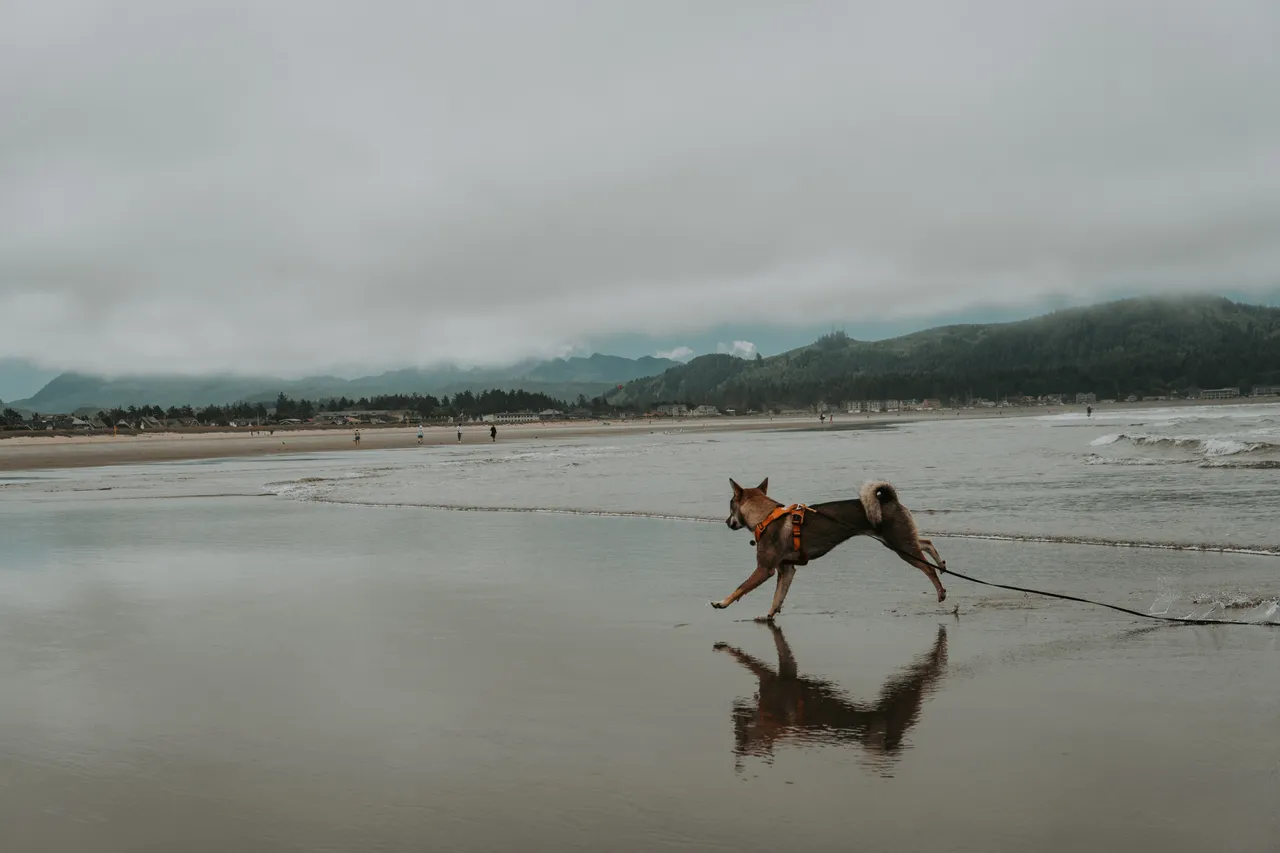
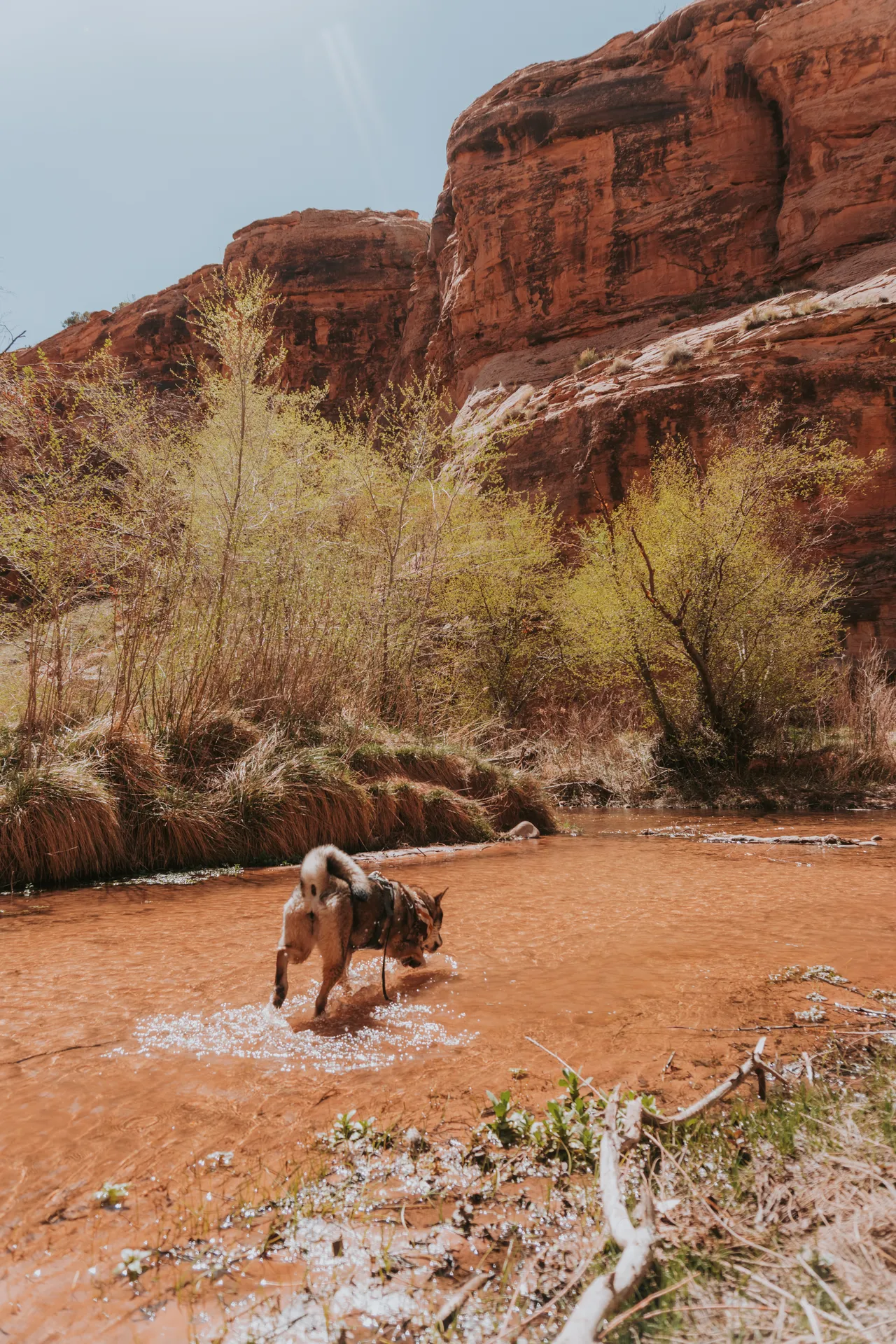
Use a Tripod. If you're trying to get photos of you with your dog, then it's critical to have a tripod! I also use a sony remote to take the photo (make sure to include a 3-second timer to have a slight delay to put the remote down). I moved to Colorado on my own back in the covid-19 pandemic, so it was just me and Sora in the outdoors for awhile. I used a cheap tripod from amazon with my iphone before finally upgrading to a nicer one with my sony camera.
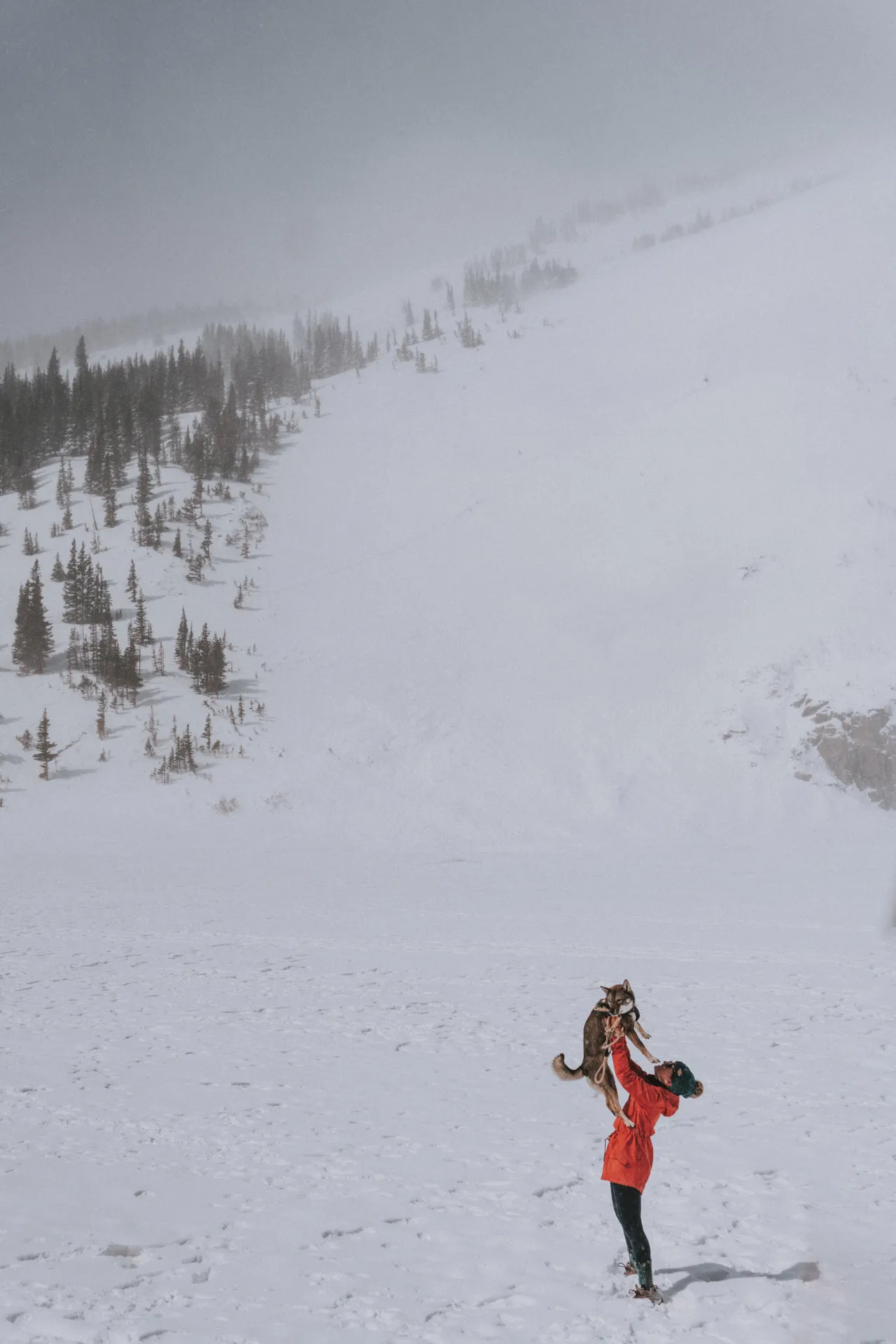
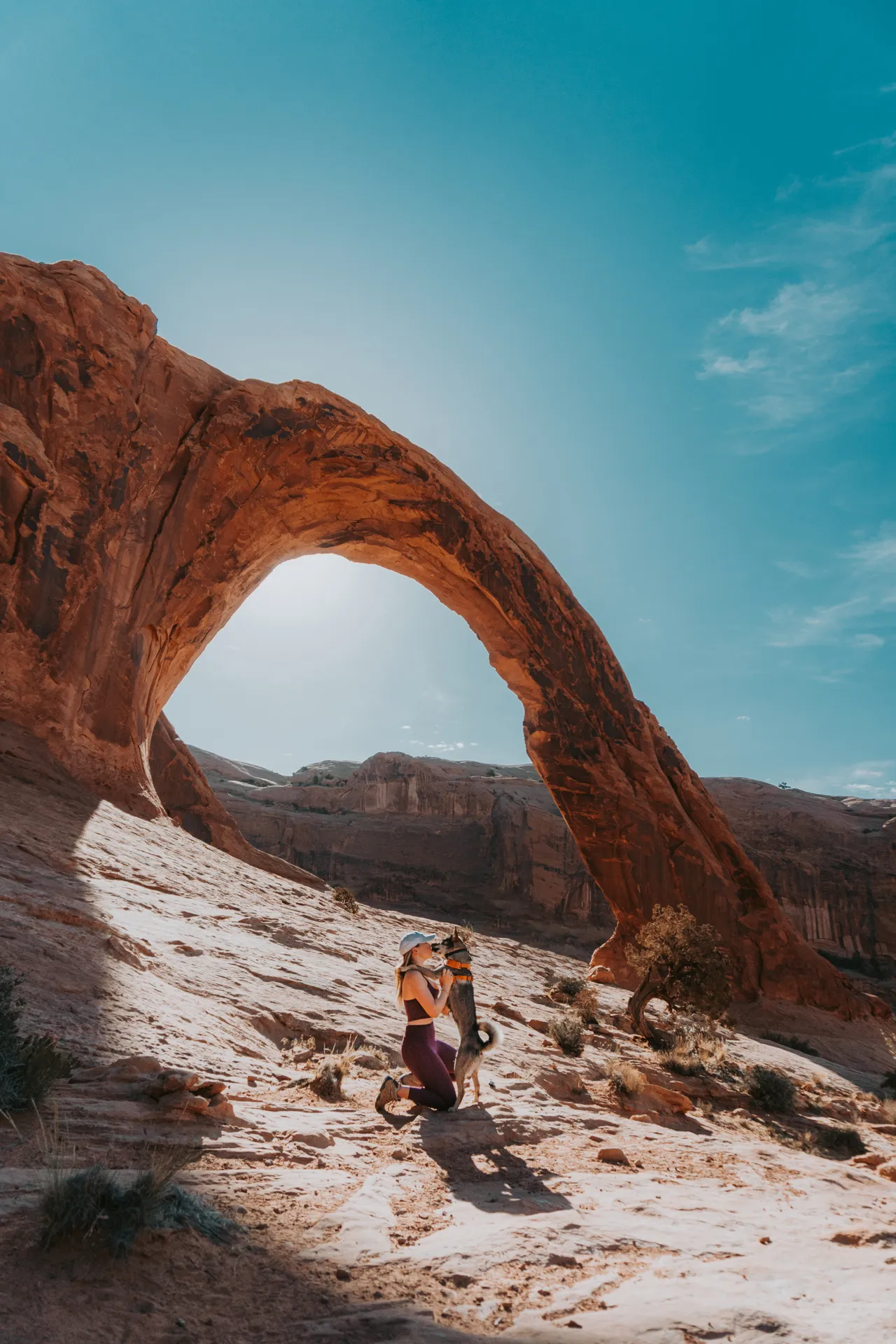
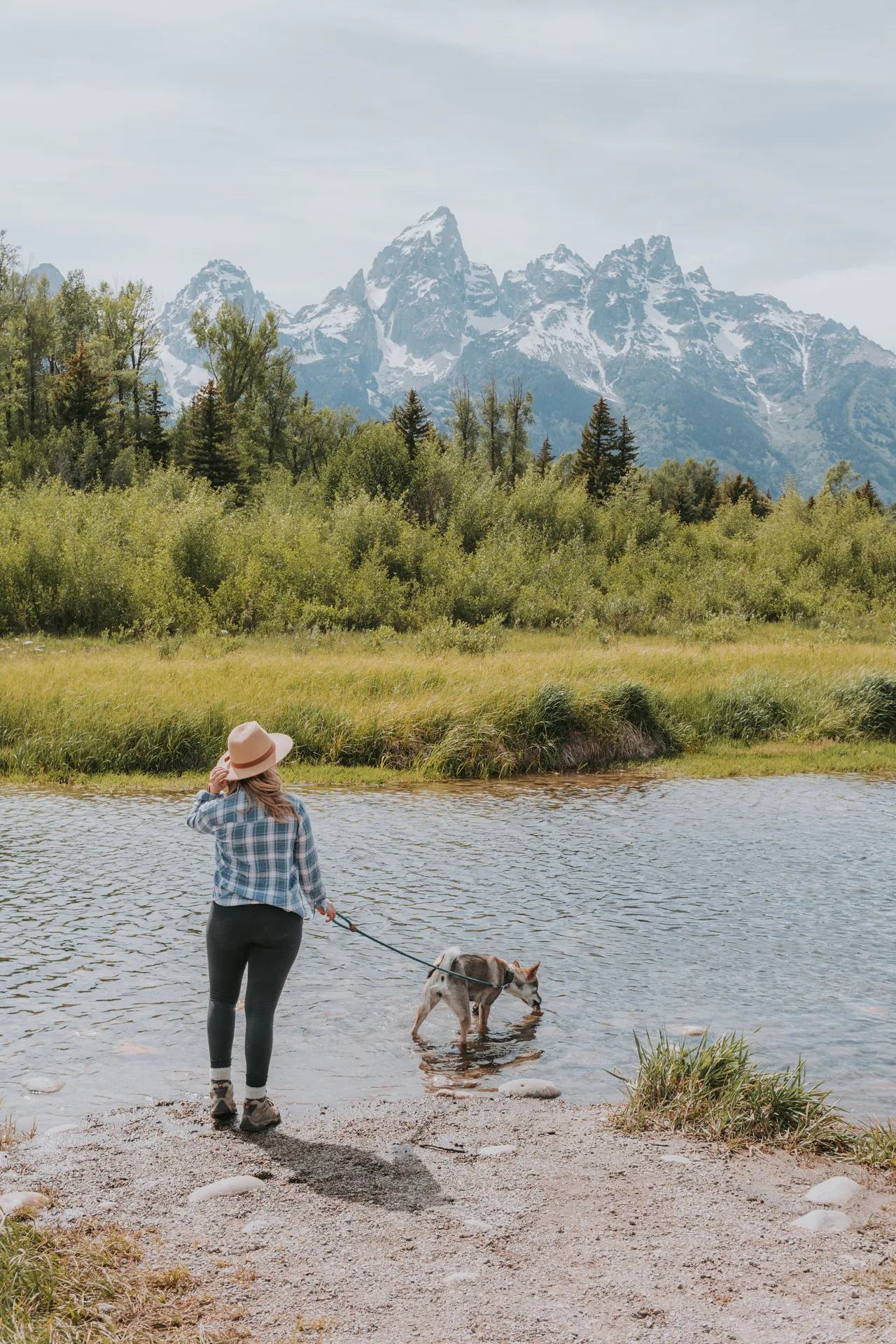
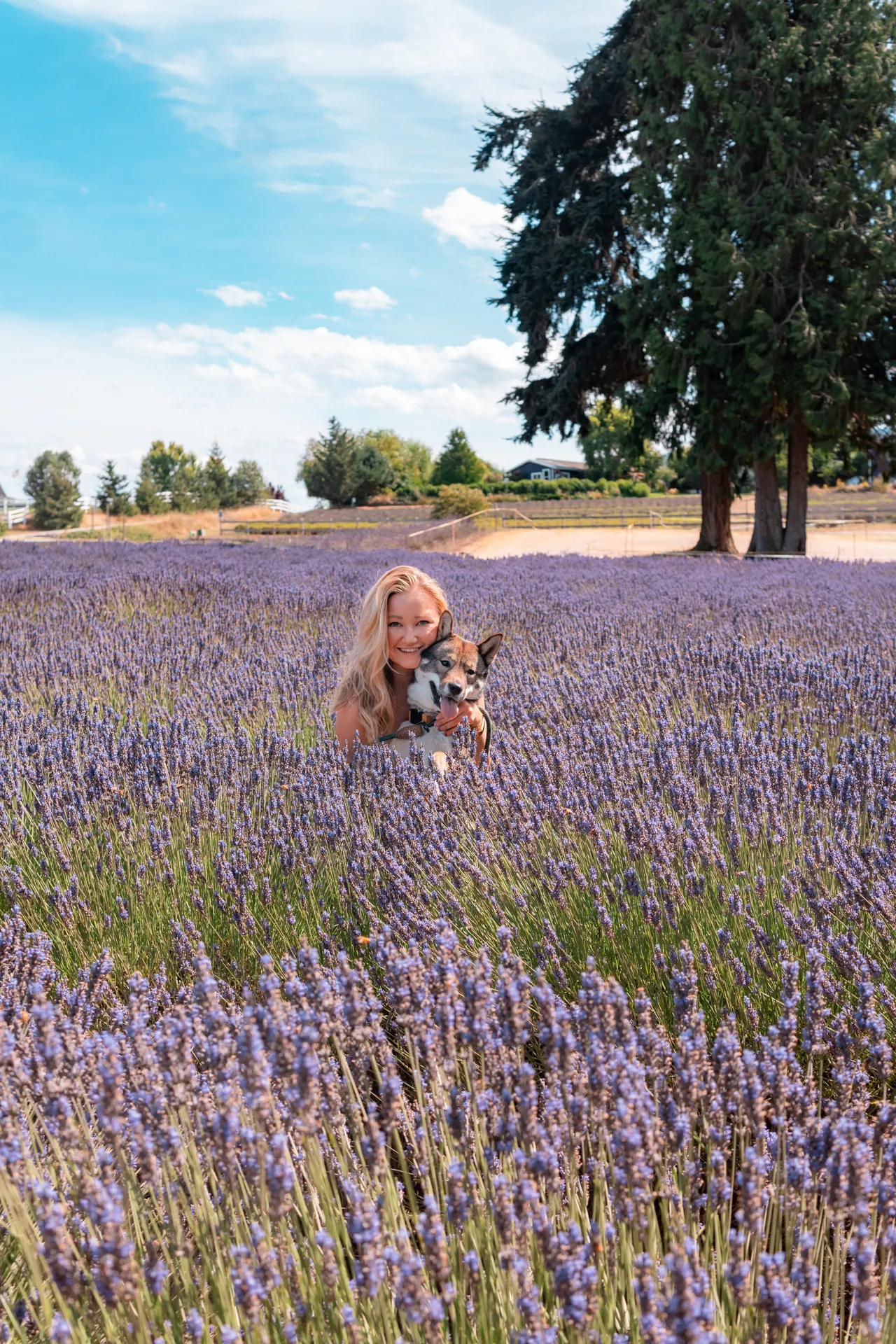
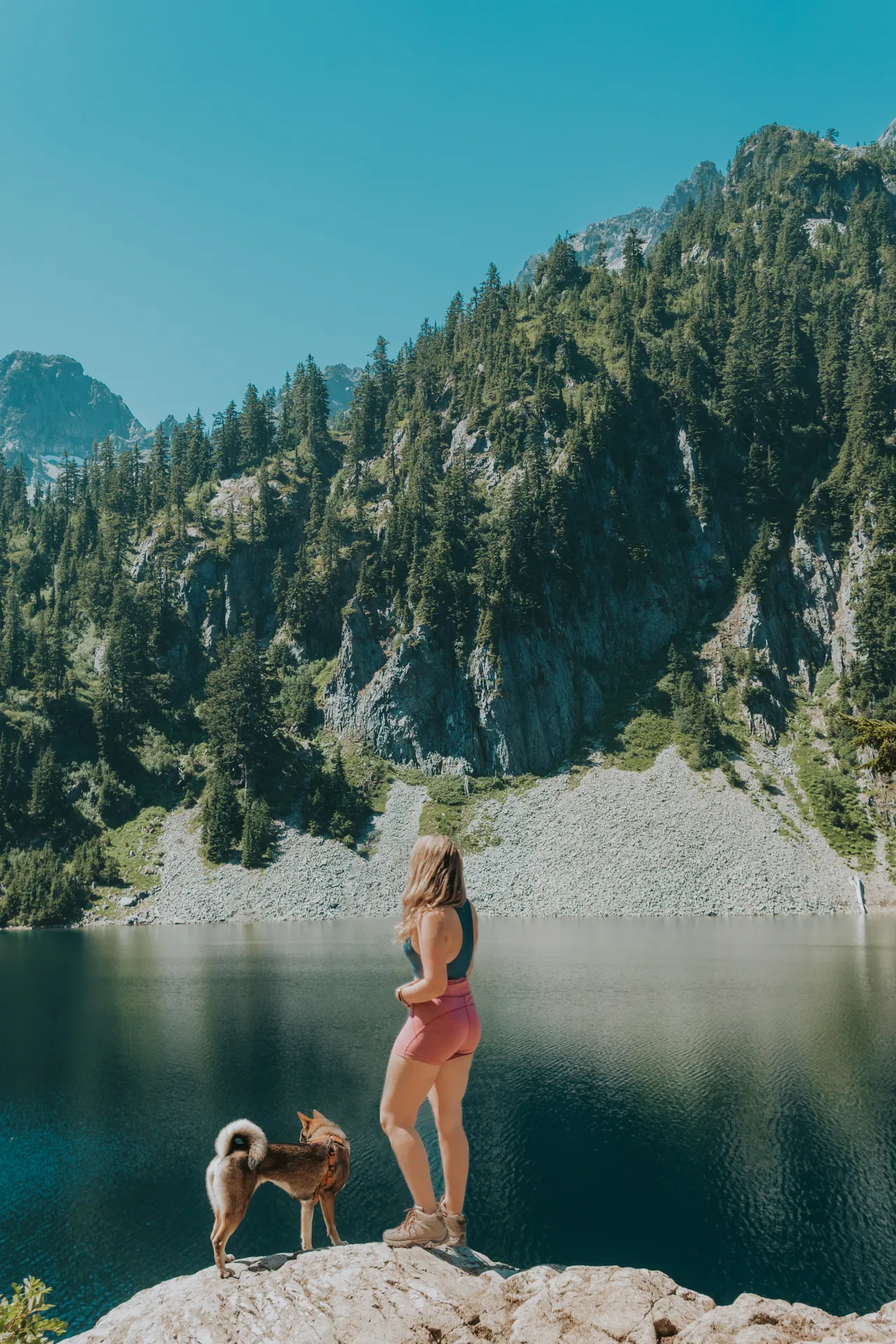
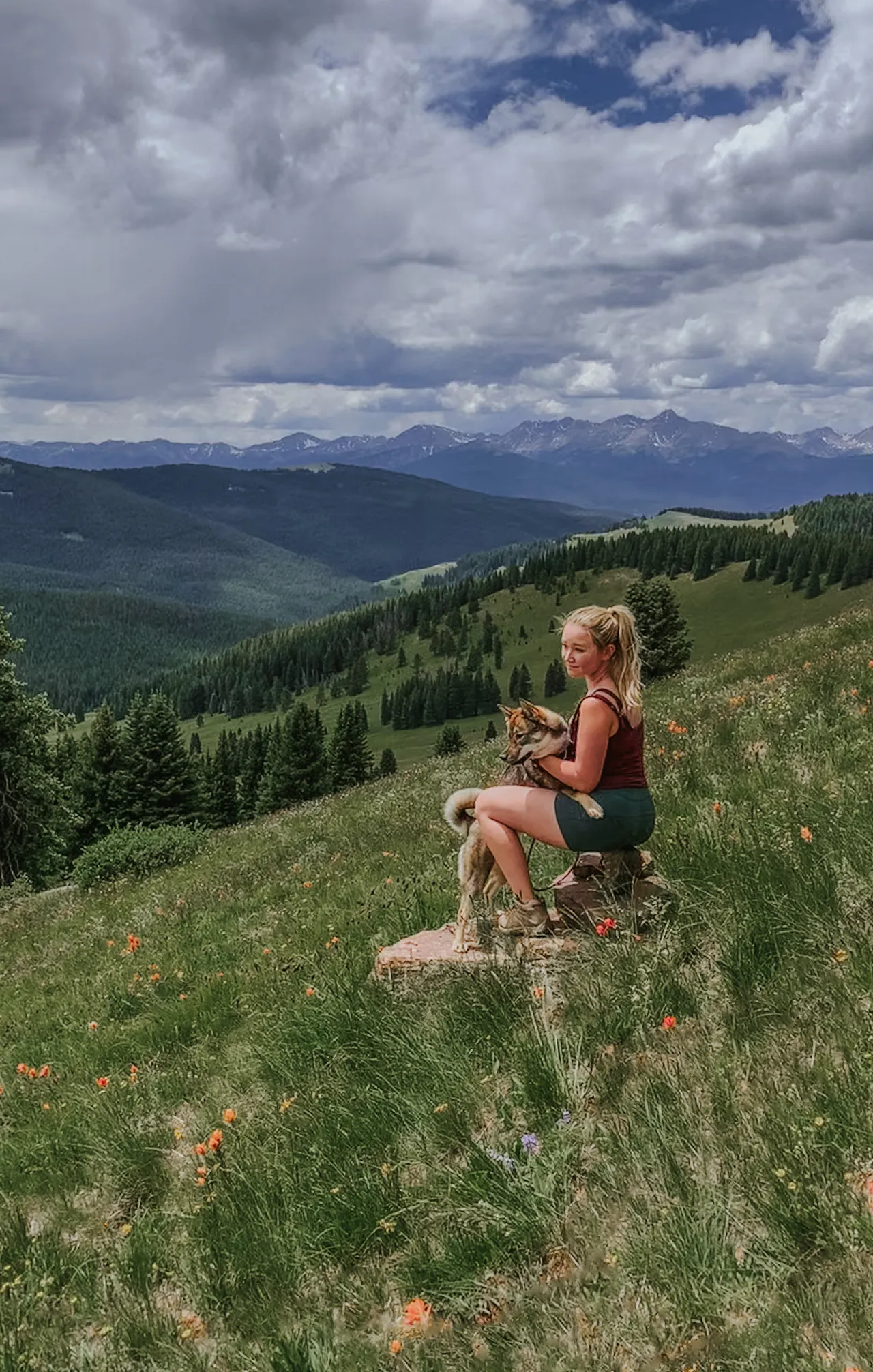
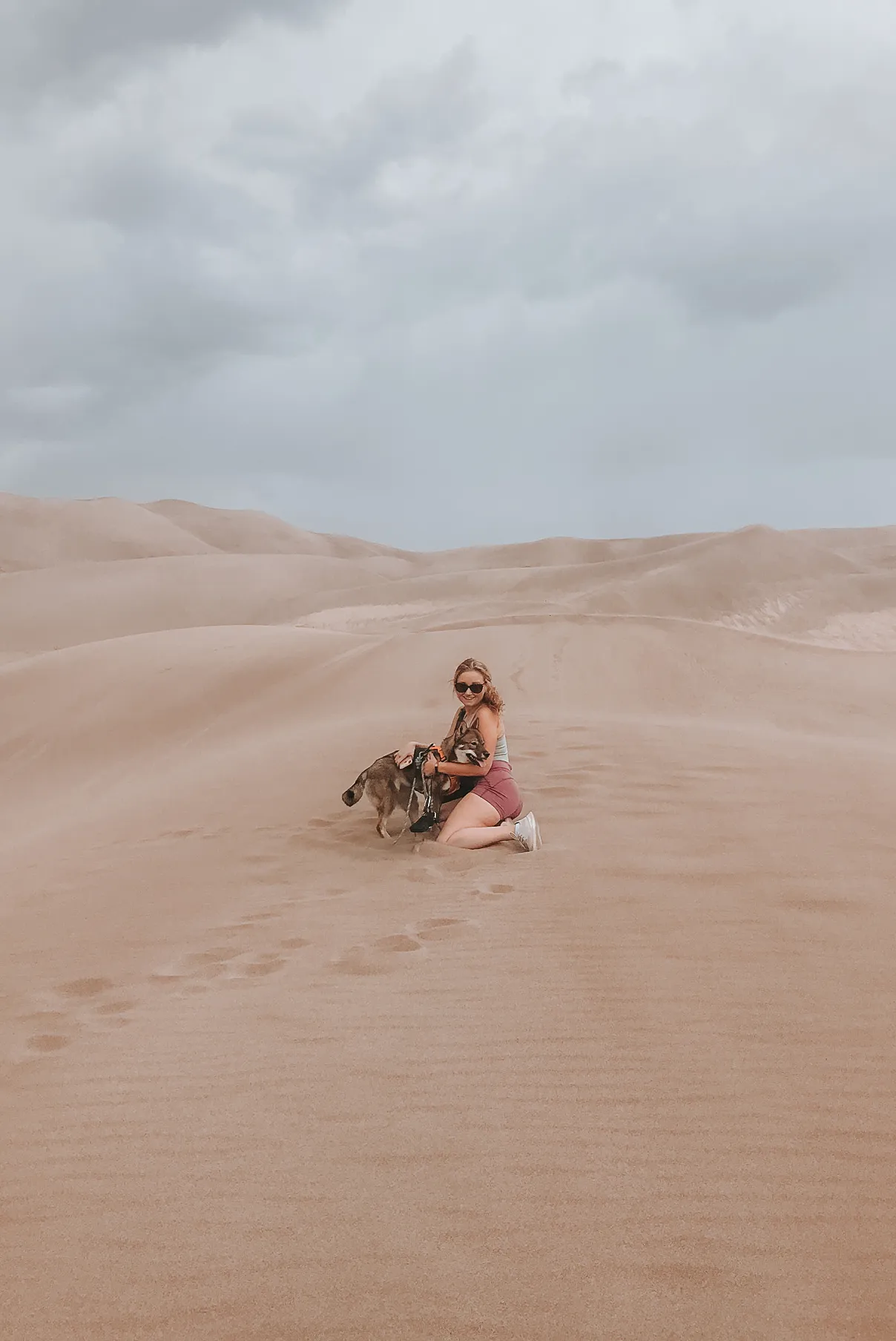
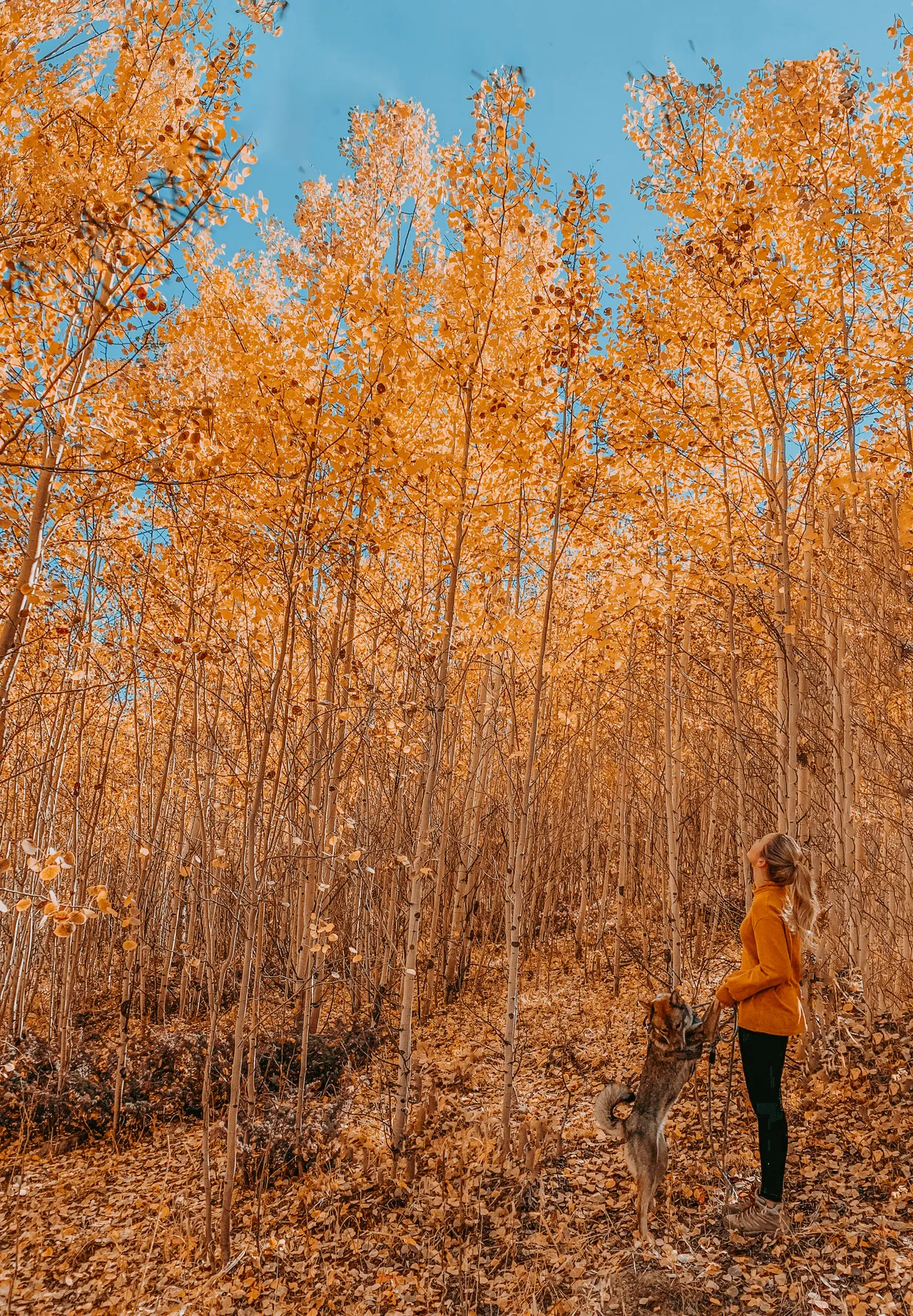
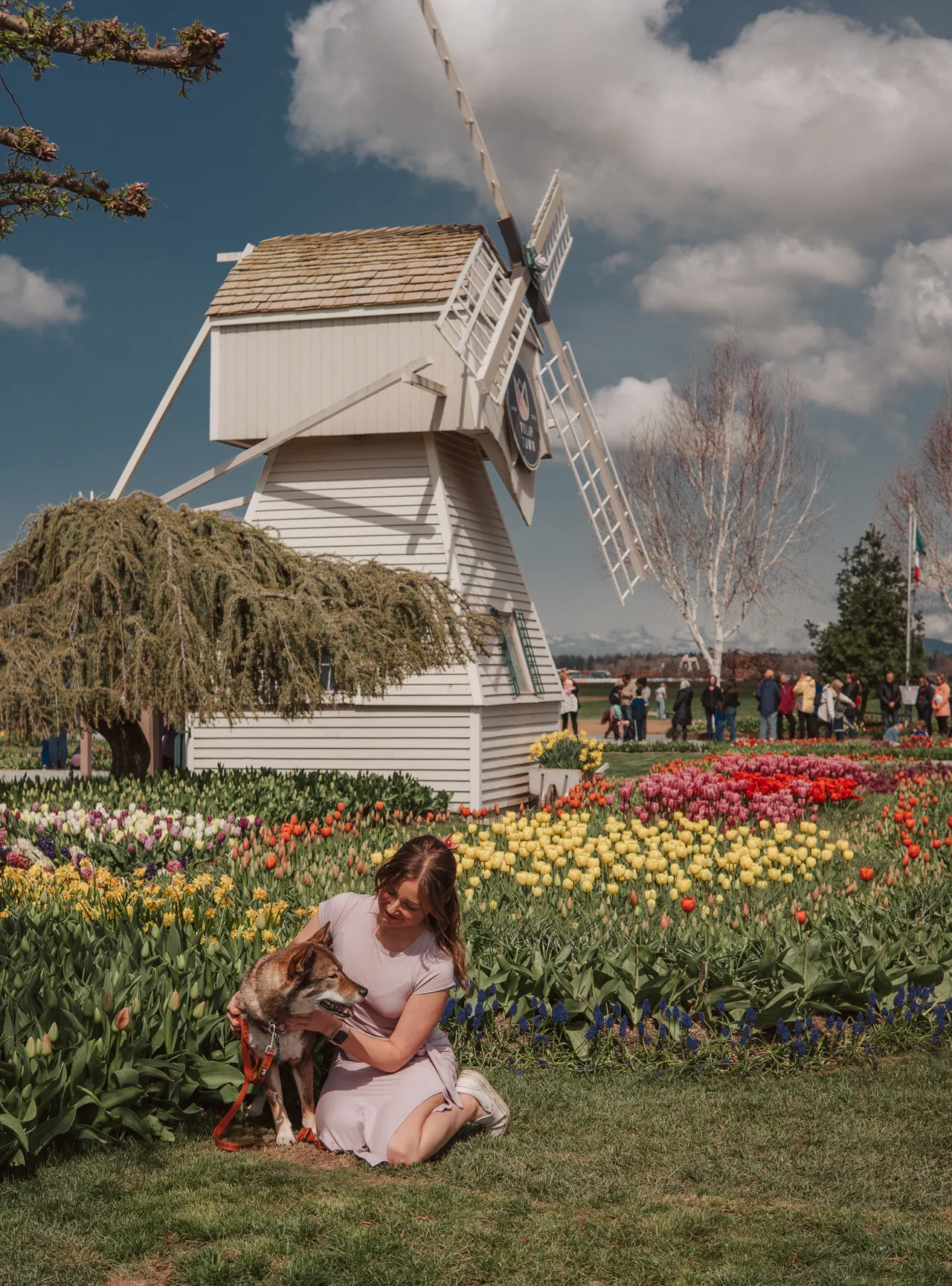
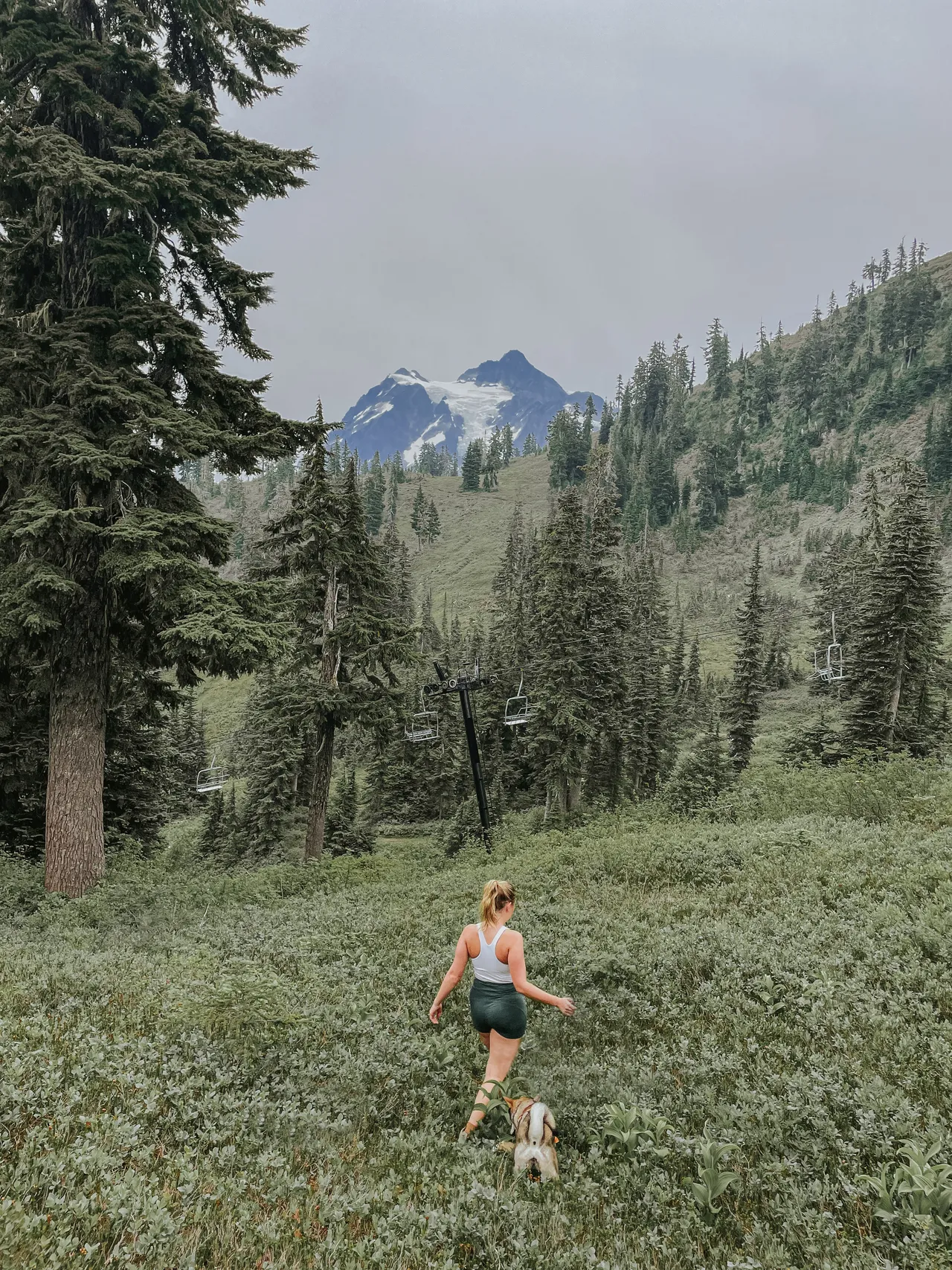
Using a Drone: I also take photos and videos with my drone. If there's no one around, you can have it go slightly off the ground and take a shot for yourself.
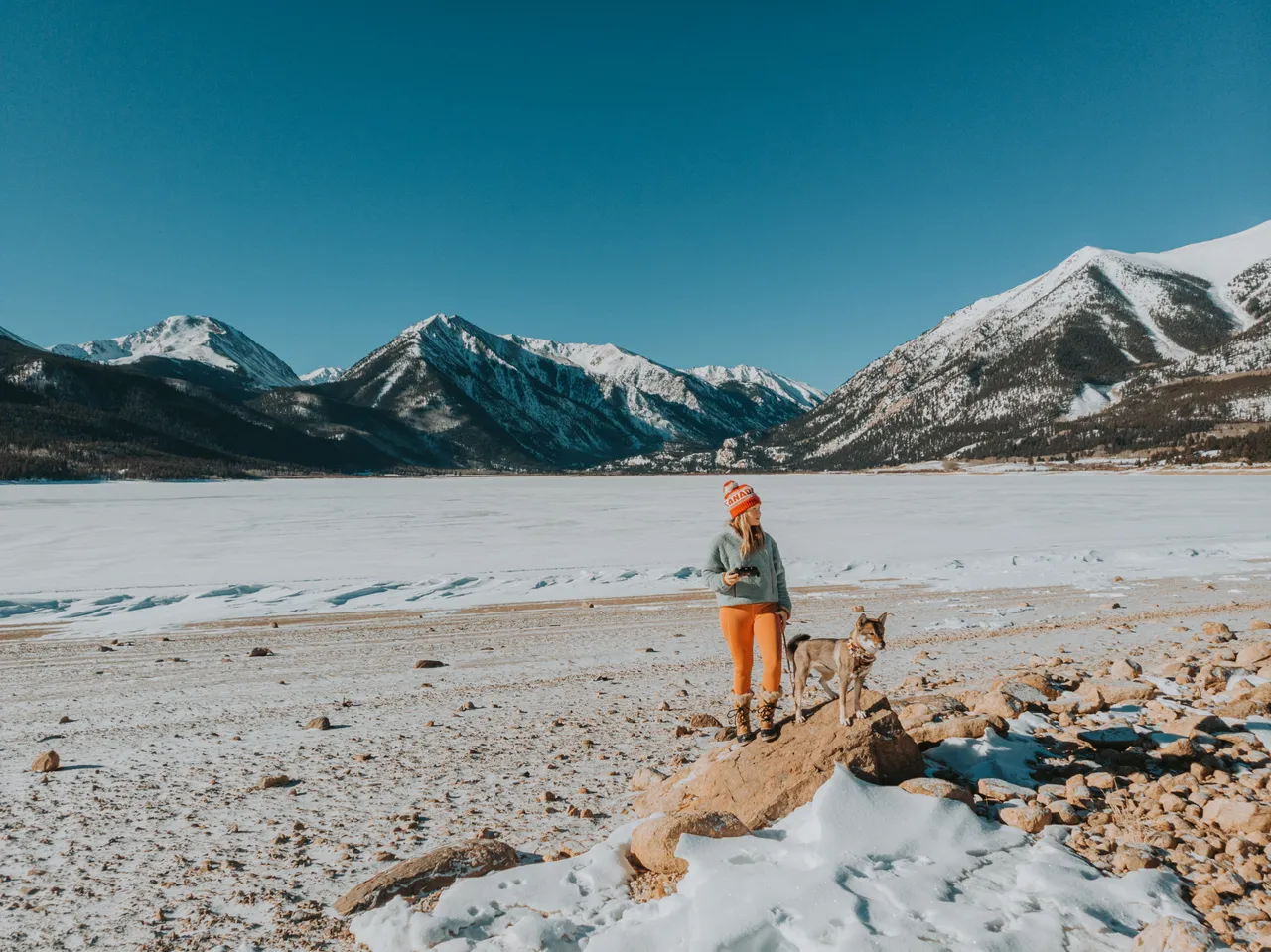
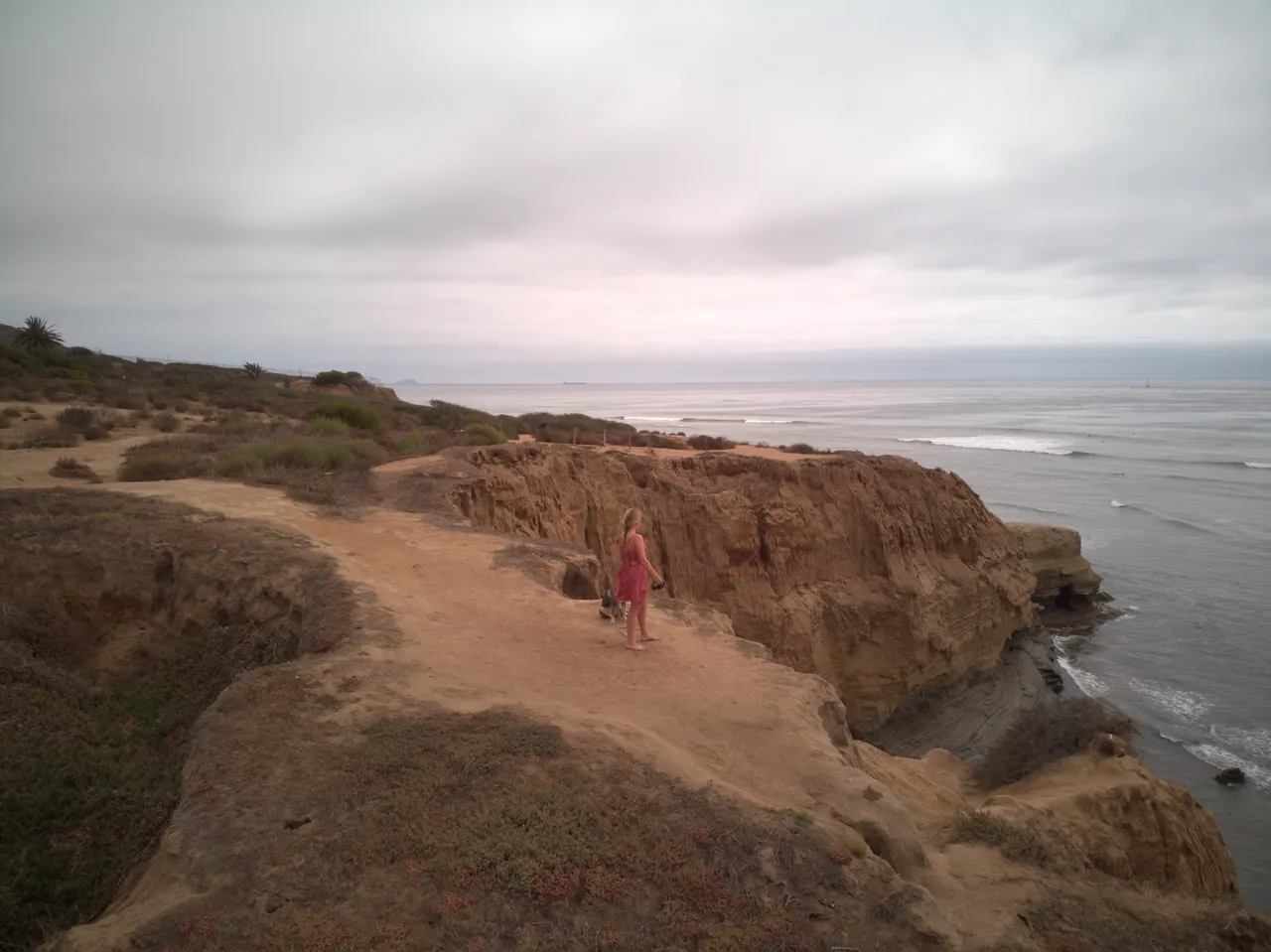
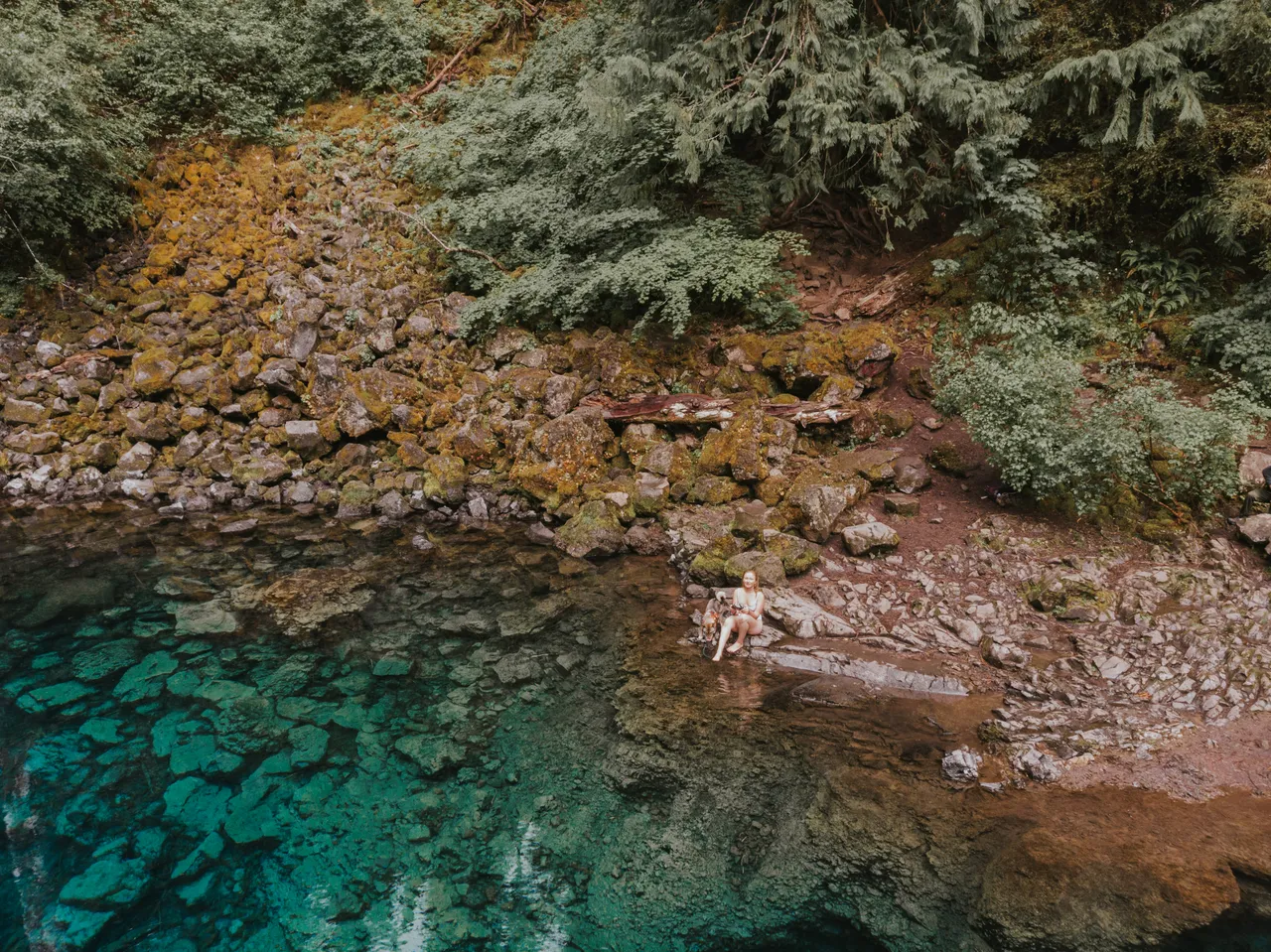
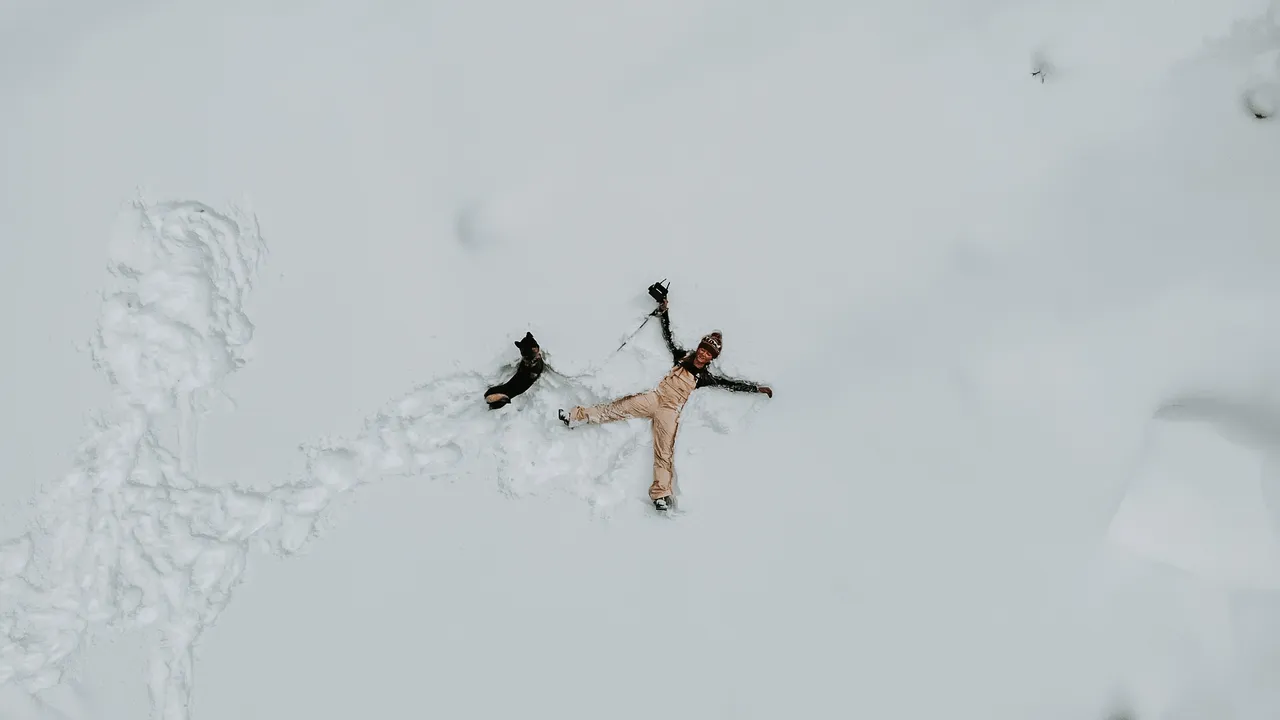
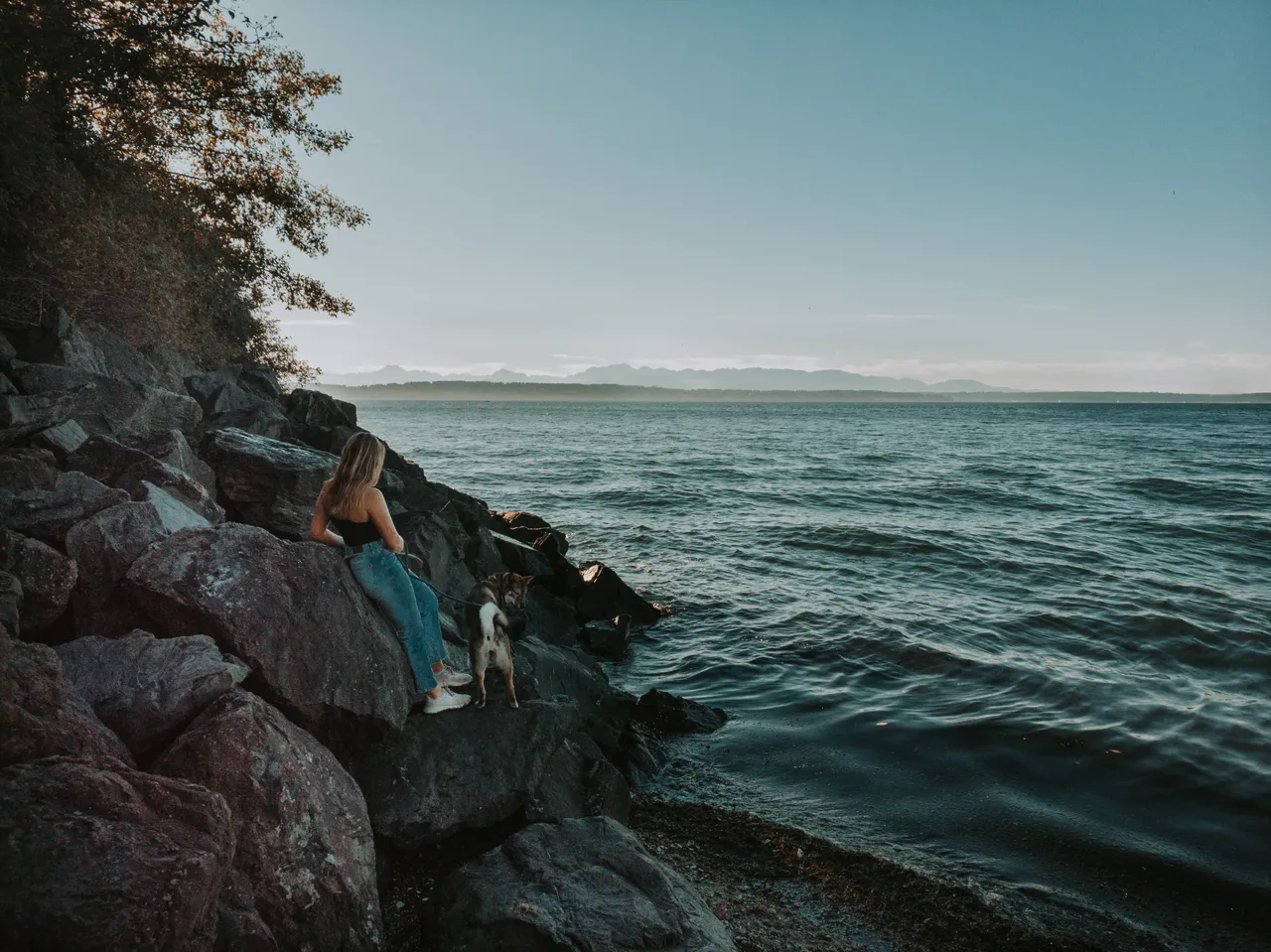
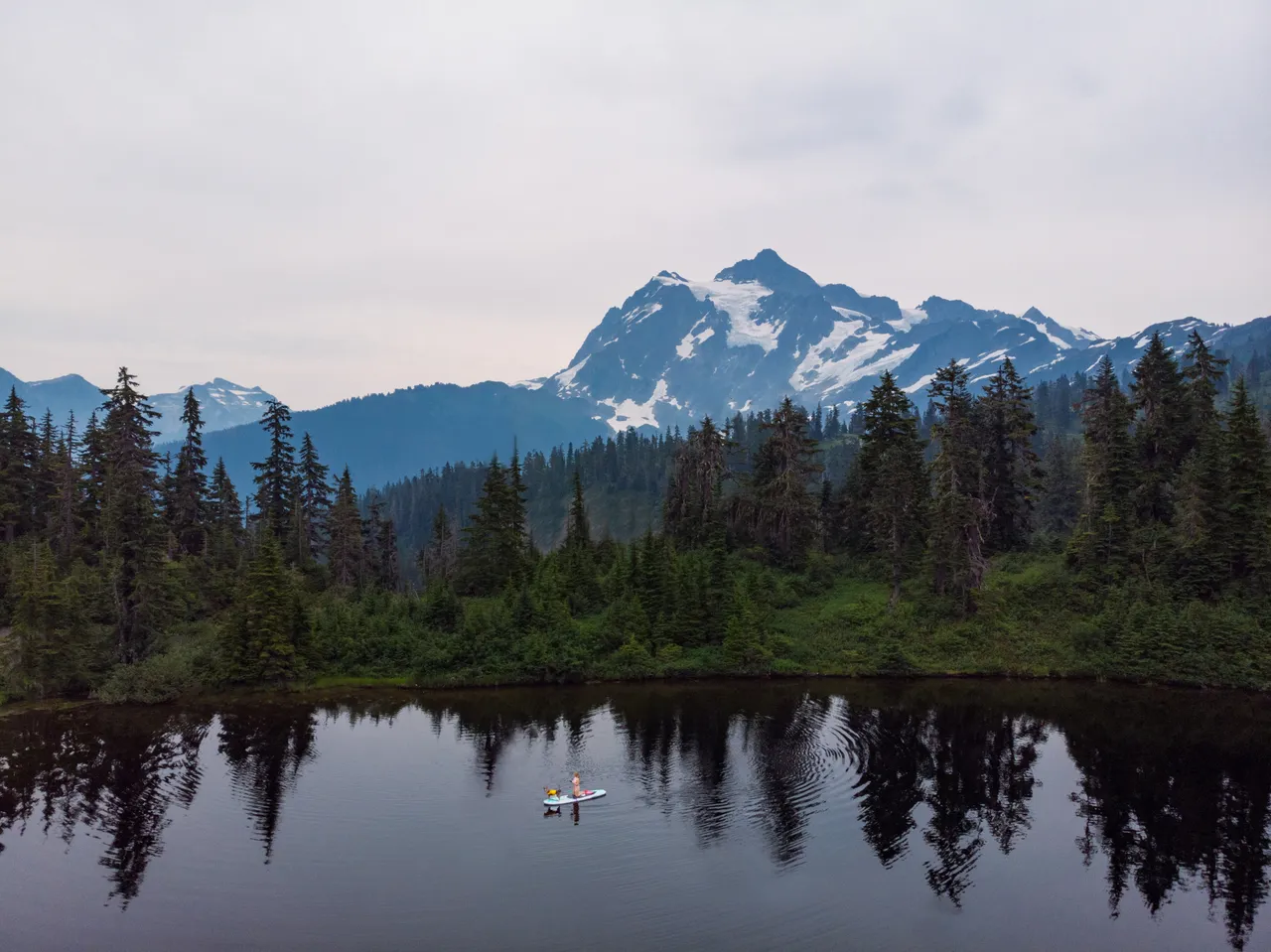
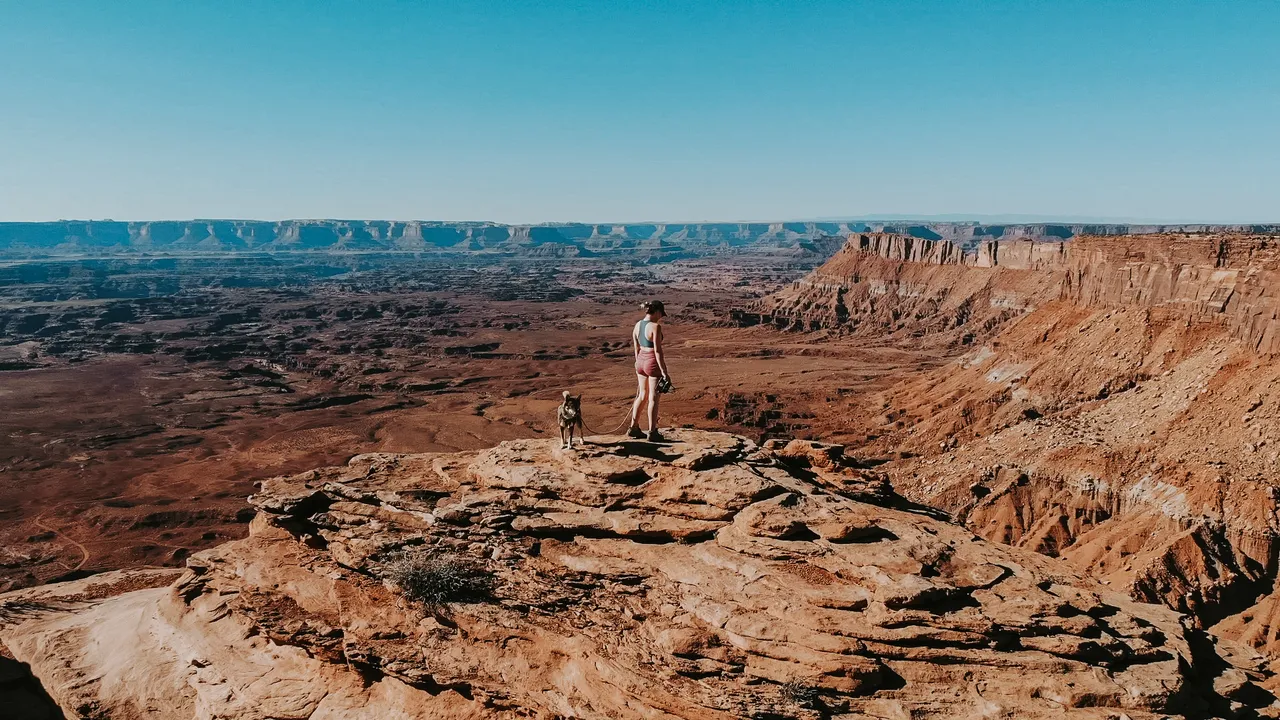
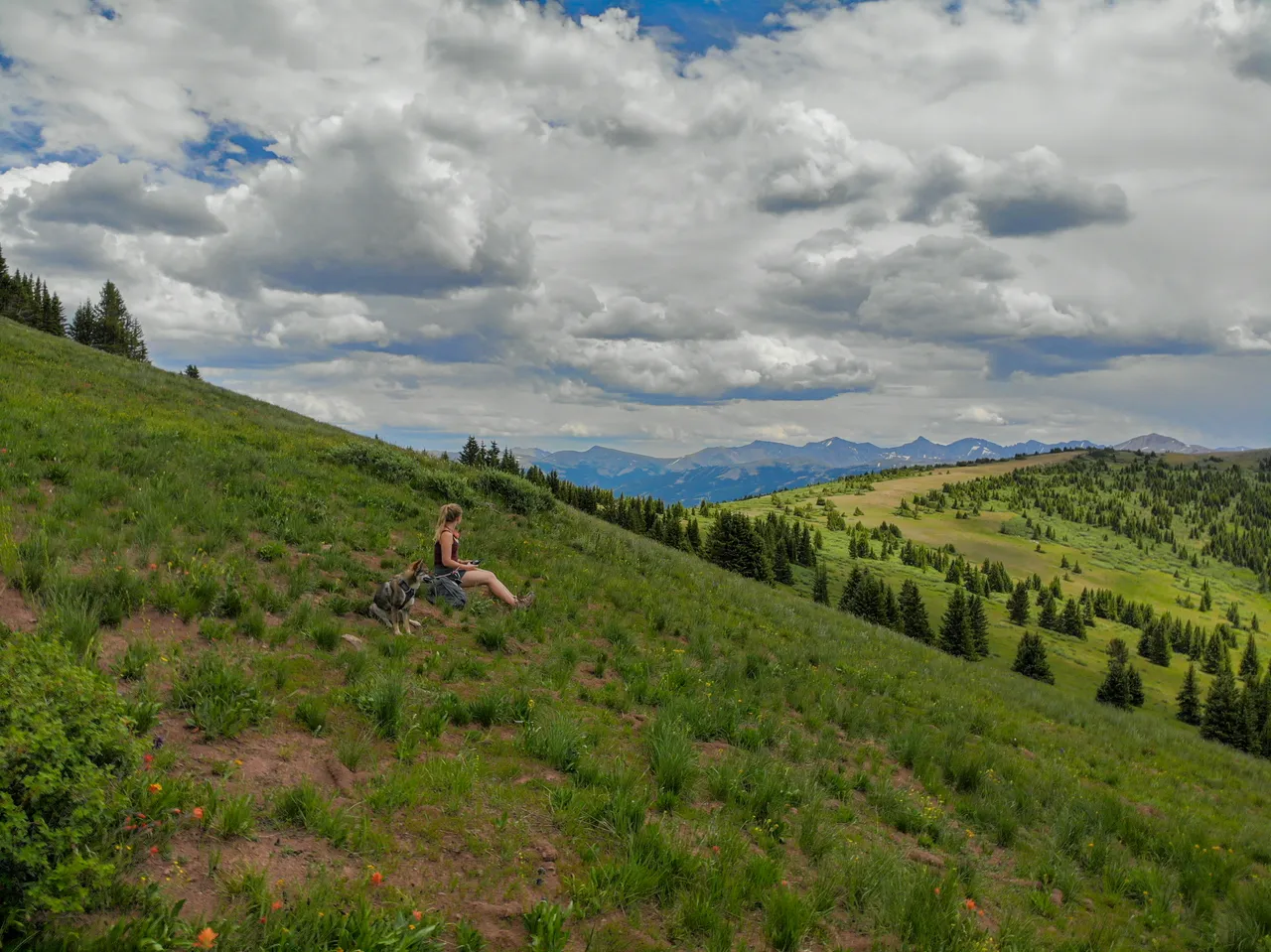
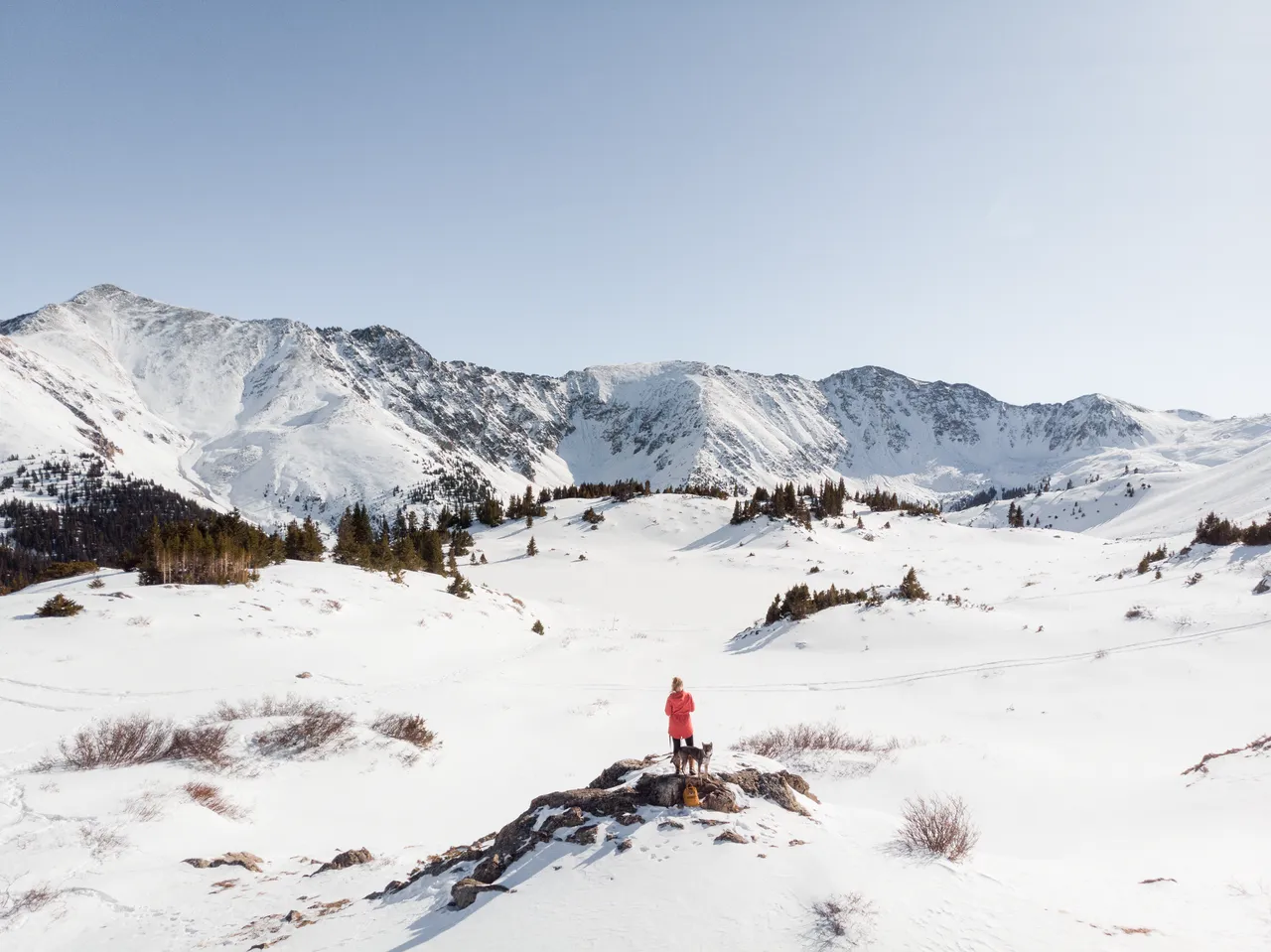
Plan your shots ahead of time. If you can, try to imagine some shots that you want to capture. I like to have an idea of what I want based on where I'm shooting and what the surroundings are. This will help you keep focused on what you're trying to achieve. If you're considering lighting
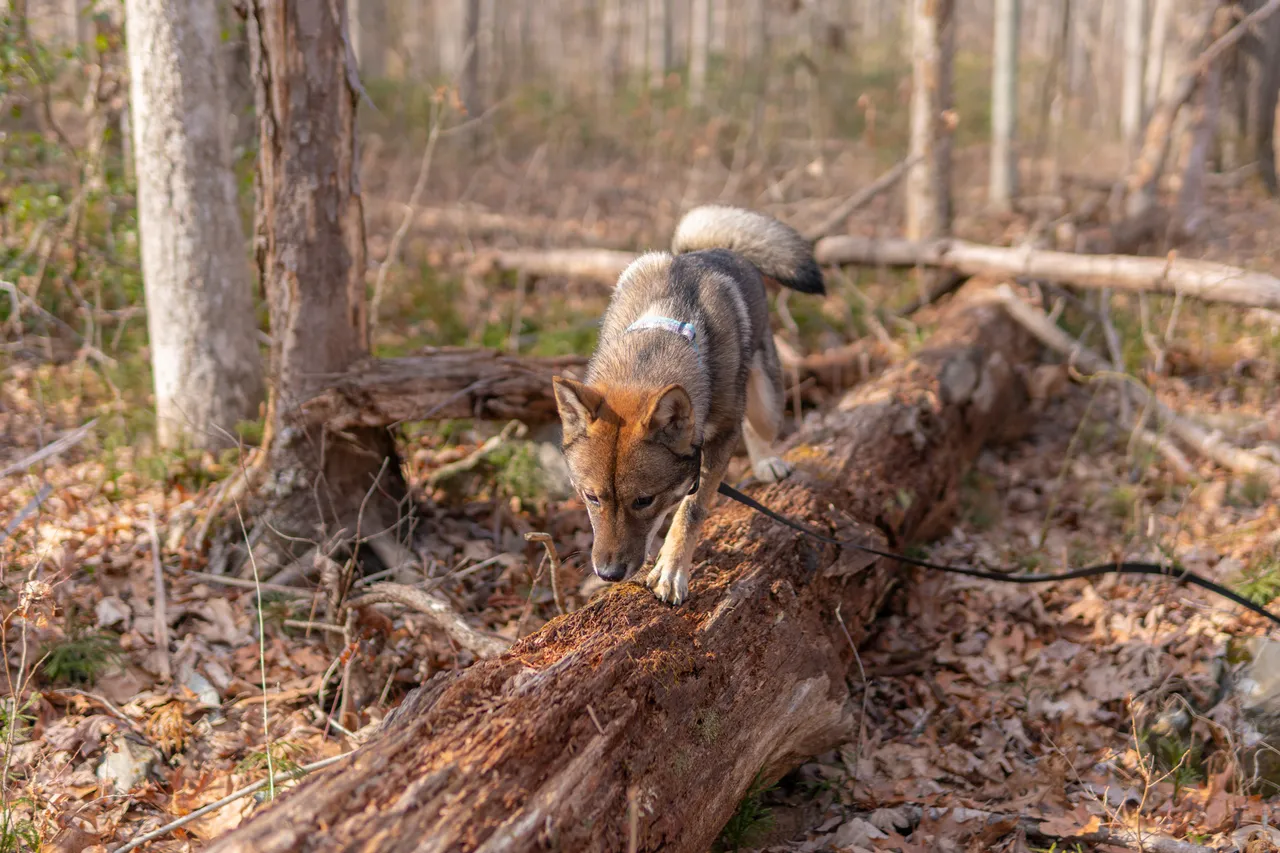
tips n tricks with the dogs
Exercise your dog first! Before you attempt a photoshoot, make sure to tire your dog so they'll be calm down a little bit and they'll be easier to photograph.
Pack some high-value treats. This is a given, but come prepared with some high-value treats that they love in order to get their attention. These have to be something that is more exciting to them than the ordinary treats since it will be competing with squirrels, other dogs/humans for your pup's attention.
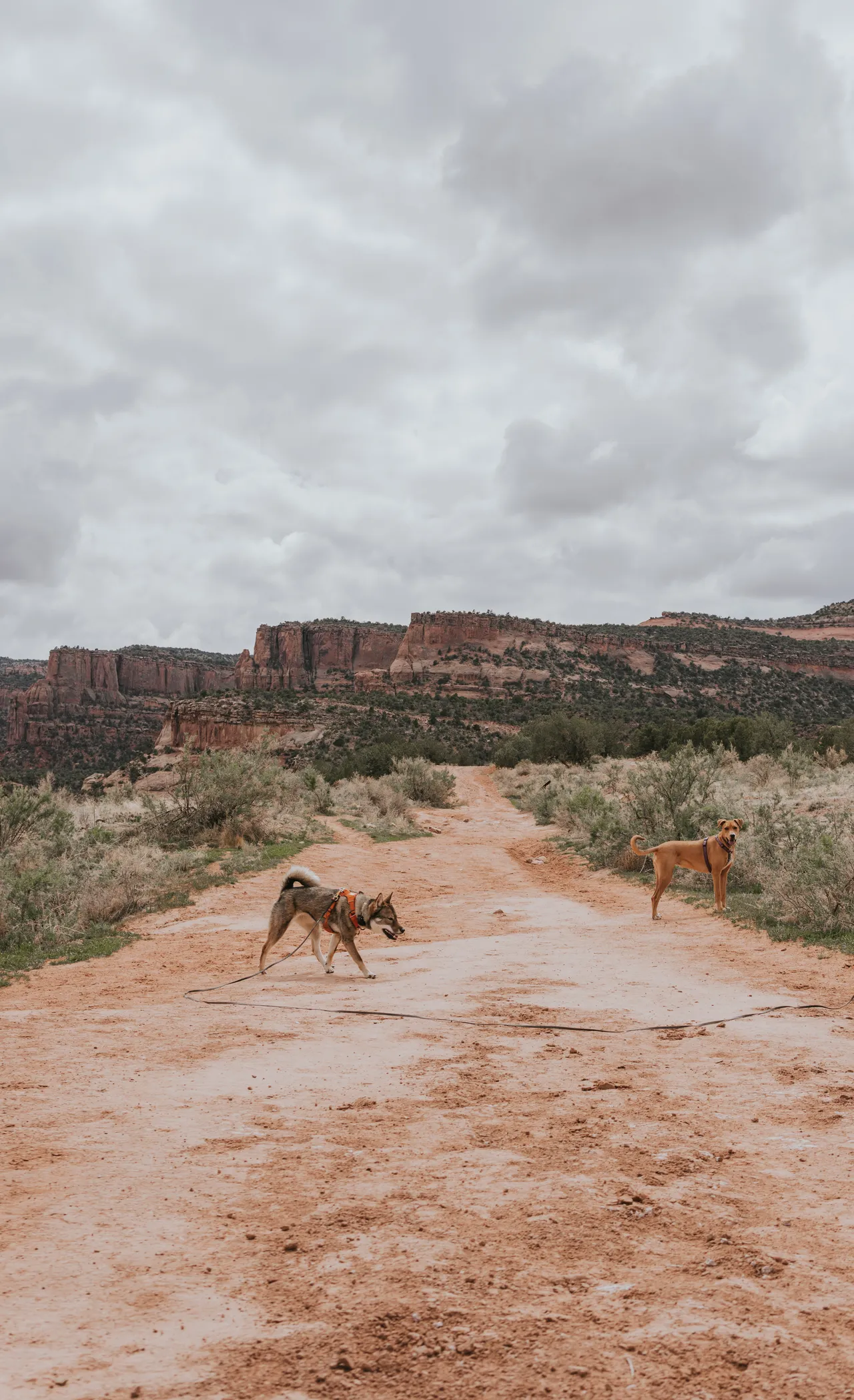
Use a long-leash. If you're on a less crowded trail and it's allowed, use a ~30ft leash. I got a cheap one off amazon and it's been amazing! It's almost impossible to get good, candid photos of Sora when I use our regular walking leash. The angles are hard to achieve. When I put her on the long leash she'll go and explore a little, and I can step back to capture her more naturally.
Learn Adobe Photoshop. Items like leashes can take away from the artistic aspect of a photo, and if your dog is anything like mine, you can't trust them off-leash, so it's not an option to photograph without one. Photoshop is super easy to use and will help make your photos even more creatively beautiful! AI has now made these features even easier, so there's way less of a learning curve.
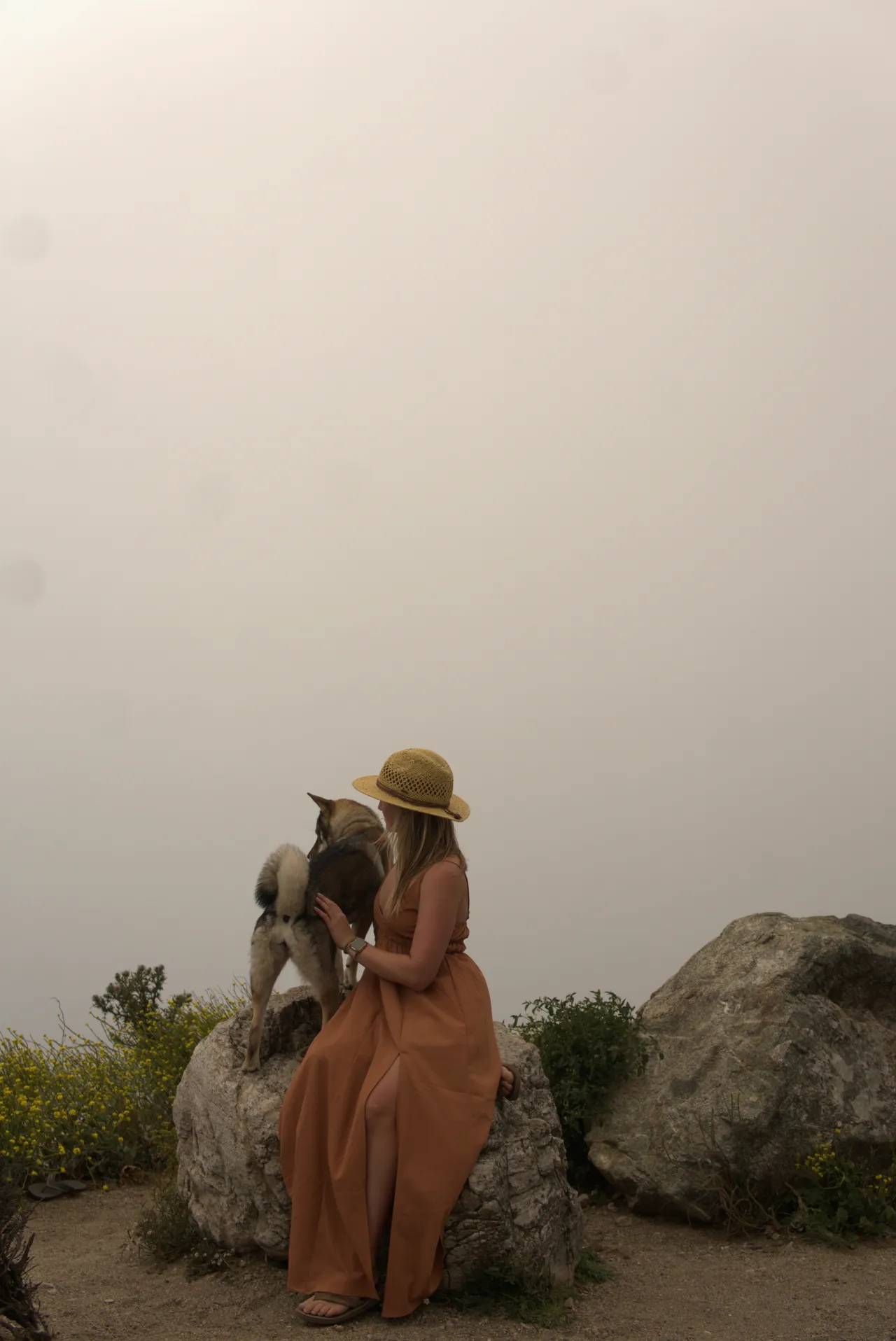
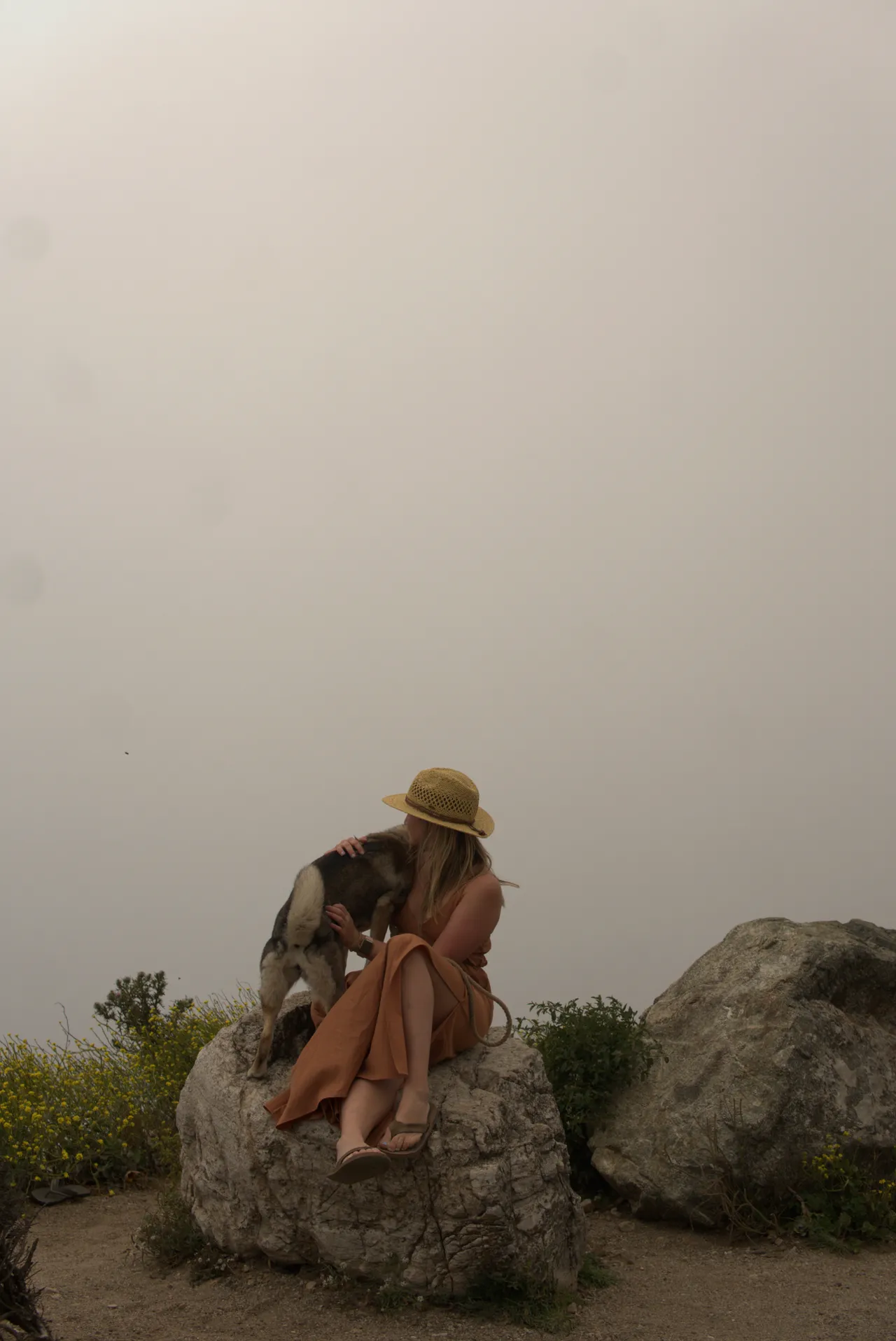
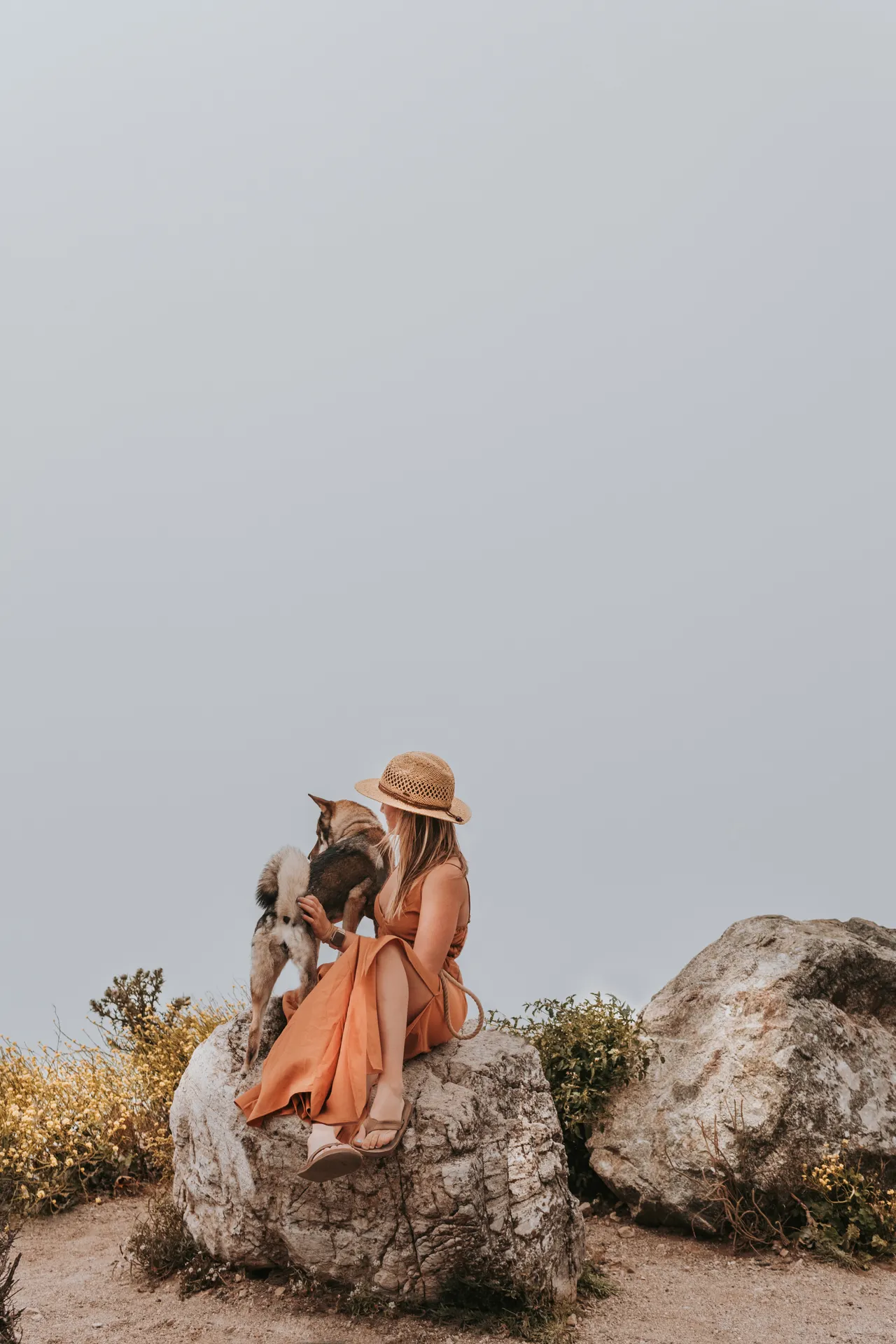
Here's a before and after picture with just a few seconds of simple editing:
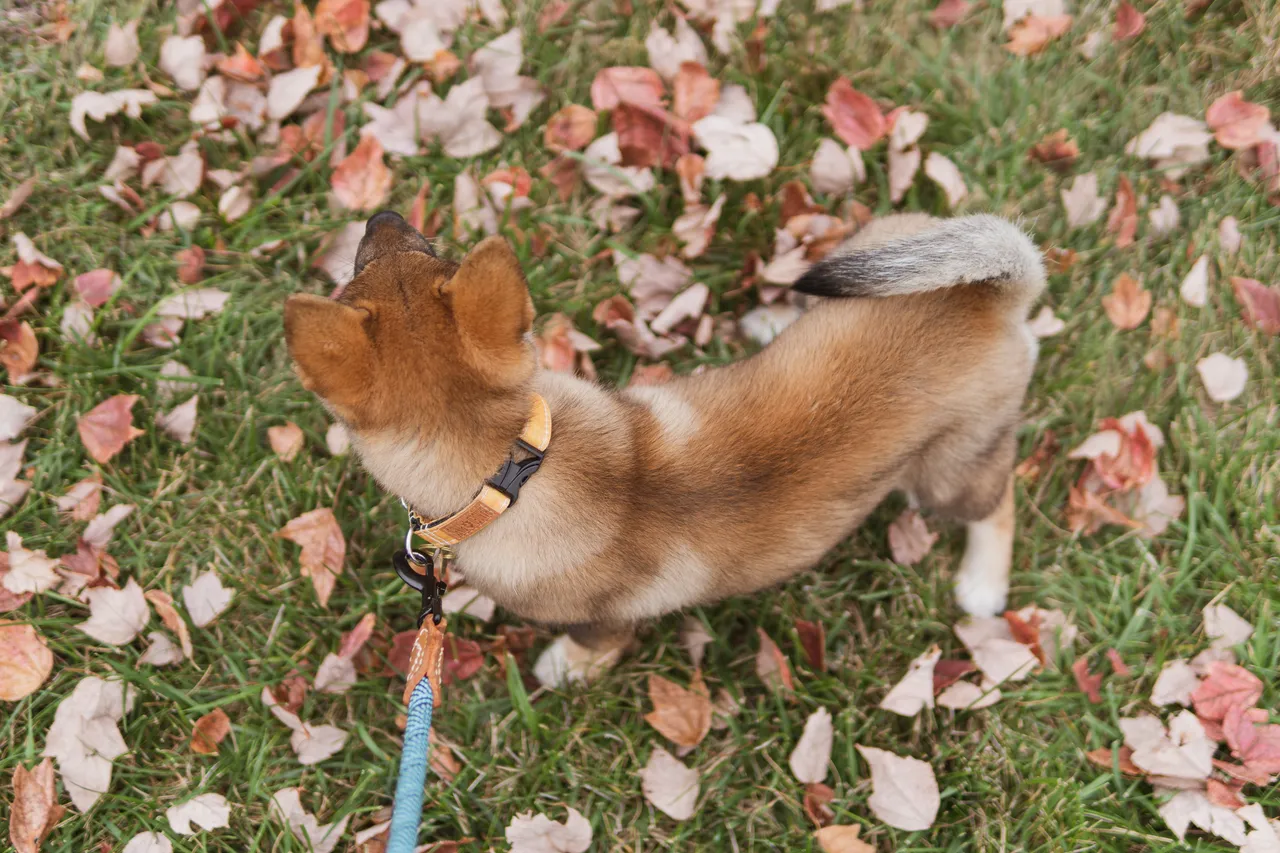
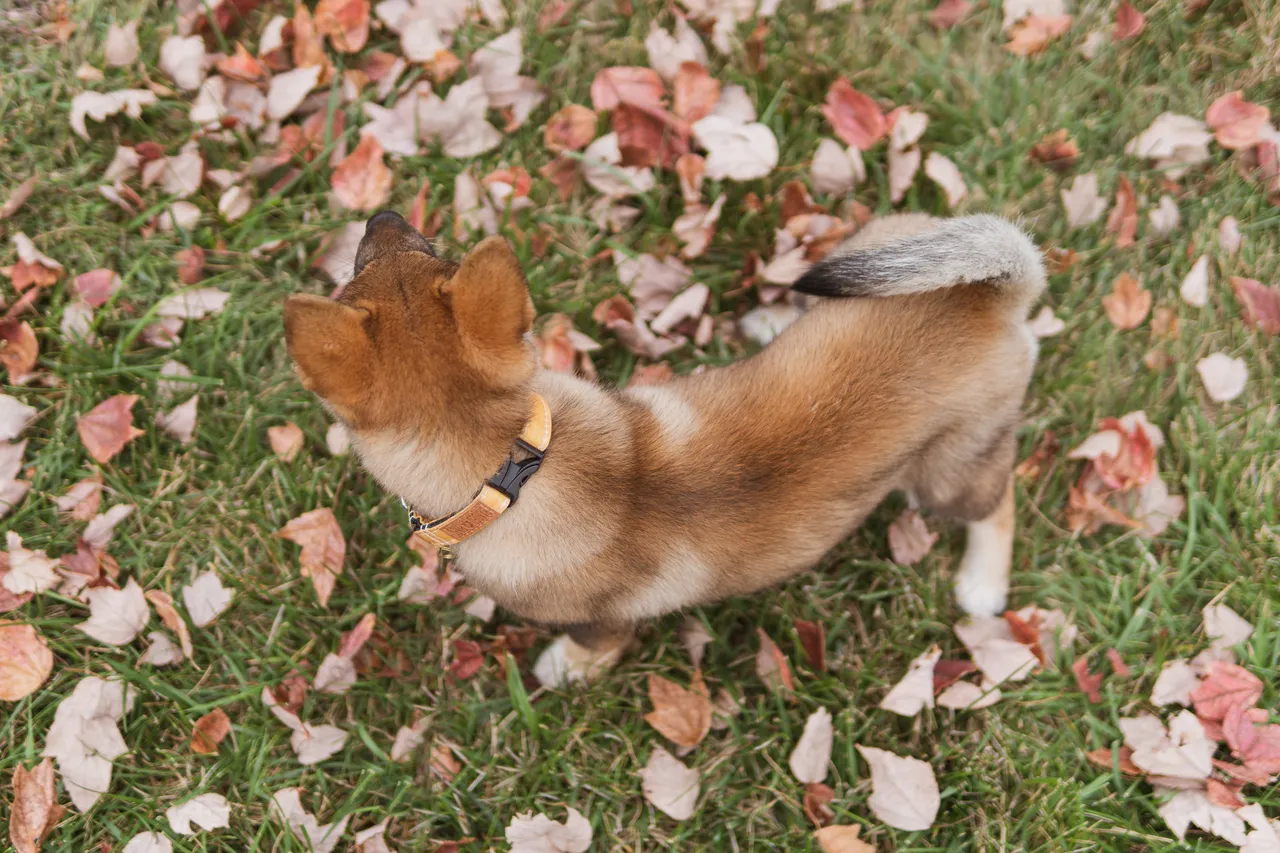
You can also overlay different photos if you like poses on one vs the other. There were so many times I liked myself in a picture, but Sora was looking away, so i'd just combine them in Photoshop to create the perfect blend of both. There's something about her silhouette with the pointy little ears looking out into the distance, i just love the way it looks. We were overlooking the coastline from a large cliffside in Big Sur California on our solo roadtrip. I saw this fog off the side of the road and pulled over, set the tripod up and captured some shots of us! Unfortunately when you're taking photos of yourself you never know how they'll turn out until later, so sometimes it'll require more post-processing to achieve the look you want.
Before (2 raw photos unedited), After (combined in layering and editing via Photoshop)